
Essential Features When Buying a Camera
16th November 2026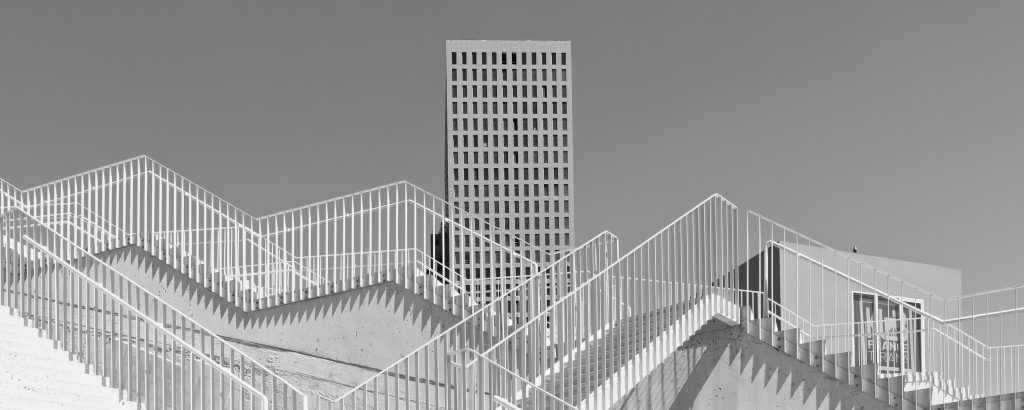
Why I use DxO Software
DxO has a distinctive place in the photography software landscape. It concentrates on image quality rather than trying to imitate every feature of Adobe Photoshop.
Its applications use laboratory measurements of camera-and-lens combinations, sophisticated RAW processing and targeted creative tools. The current family comprises PhotoLab 10, PureRAW 6, Nik Collection 9, FilmPack 8 and ViewPoint 6.
Although they overlap, each serves a different purpose. The question isn’t which is universally best, but which fits an individual photographer’s workflow.
DxO PhotoLab 10, the Complete Raw editor
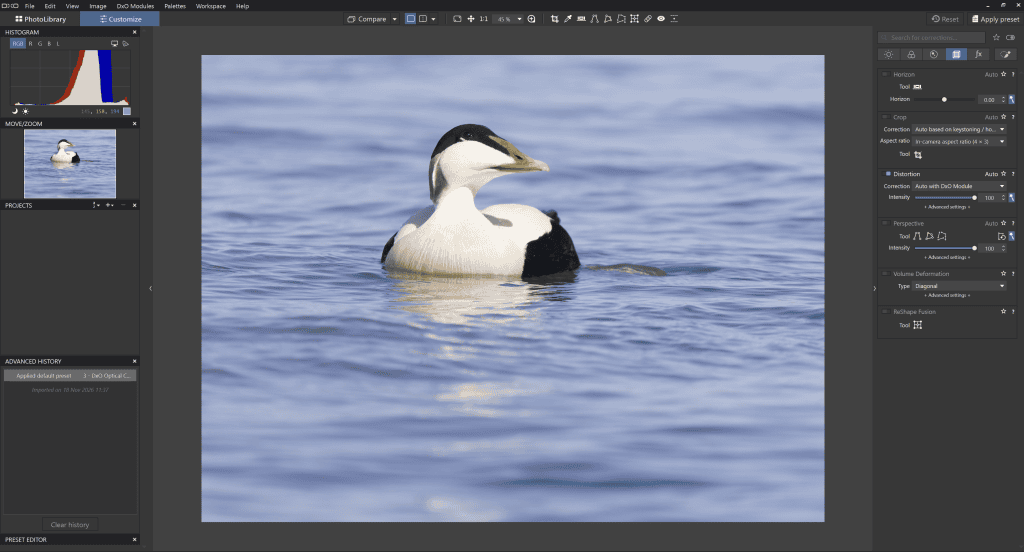
PhotoLab is the centrepiece of the range.
It’s a non-destructive RAW developer that combines exposure, colour, optical corrections, local adjustments, and photo organisation.
One of its defining advantages is DxO’s calibrated lens profiles. Its database includes thousands of lenses, and it applies corrections based on the selected focal length. Other software applies one adjustment to the entire range, ignoring the actual focal length.
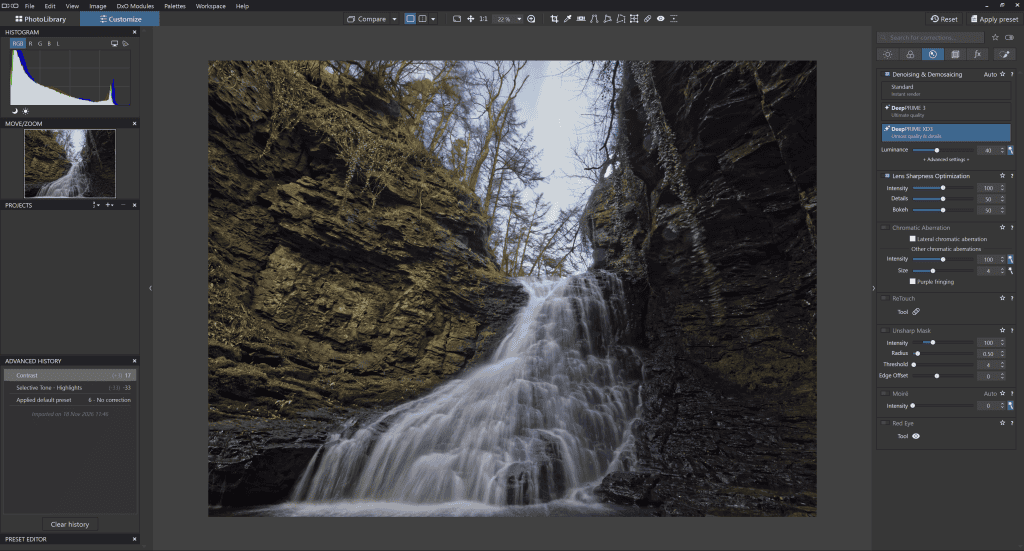
Its best-in-class DeepPRIME noise reduction and its unique, superior demosaicing algorithms mean high-ISO photographs can retain incredibly detailed textures while distortion, vignetting, and lens softness are addressed automatically. Version 10 adds depth-based masks, more sophisticated colour grading and AI-assisted subject selections.
The latest updates also strengthen its connection with Affinity (Free) for detailed pixel editing.
In use, PhotoLab’s strengths are especially clear with difficult raw files. Poorly lit events, wildlife, and landscapes become easier to manage.
Moreover, its U Point controls offer a welcome alternative to laborious manual masking.
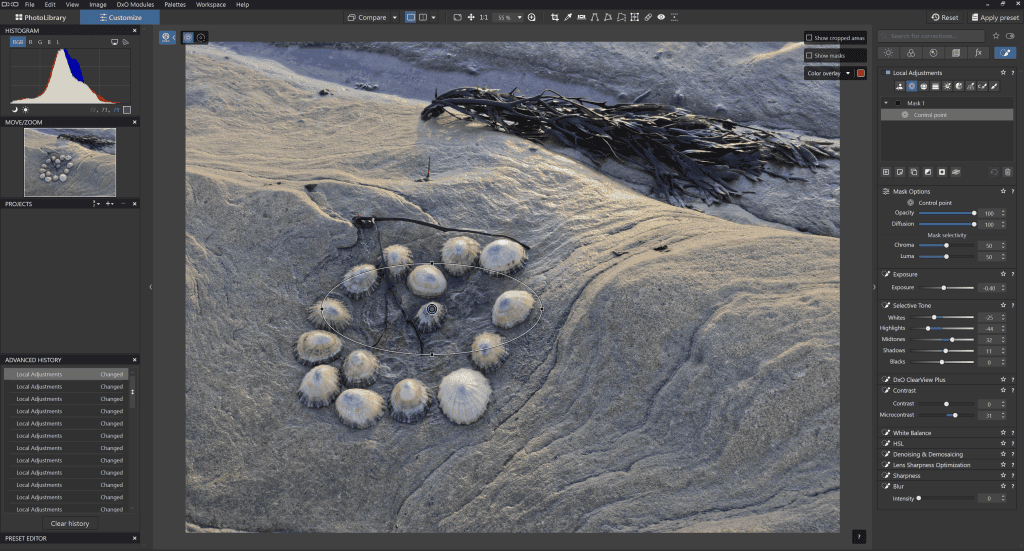
Its interface does take time to master, and its catalogue and collaborative workflow features may not replace Lightroom for everyone.
The ELITE edition is particularly important for access to advanced DeepPRIME capabilities; the cheaper ESSENTIAL edition is less compelling if noise reduction is your priority.
The interface’s depth is also an advantage. It brings advanced noise reduction, lens-specific optical corrections, local adjustments, and detailed tonal controls into one non-destructive workflow.
A folder-based approach can feel refreshingly direct to photographers who dislike large catalogues. Paying for the advanced edition makes sense when you use these capabilities on every shoot.
Like all DxO software, you buy a perpetual licence (i.e. a one-off payment) and not a subscription.
Who should buy it?
Photographers who shoot RAW frequently and want to control the entire development process, especially landscape, wildlife, event and travel photographers.
Why buy it?
Buy PhotoLab if you want your RAW editor to be the centre of your photographic workflow and value precise image quality more than a minimal interface with no gimmicks.
Verdict
The strongest all-round DxO purchase for photographers who want a primary RAW editor that delivers the highest-quality image results.
DxO PureRAW 6 for Better Files Before Editing
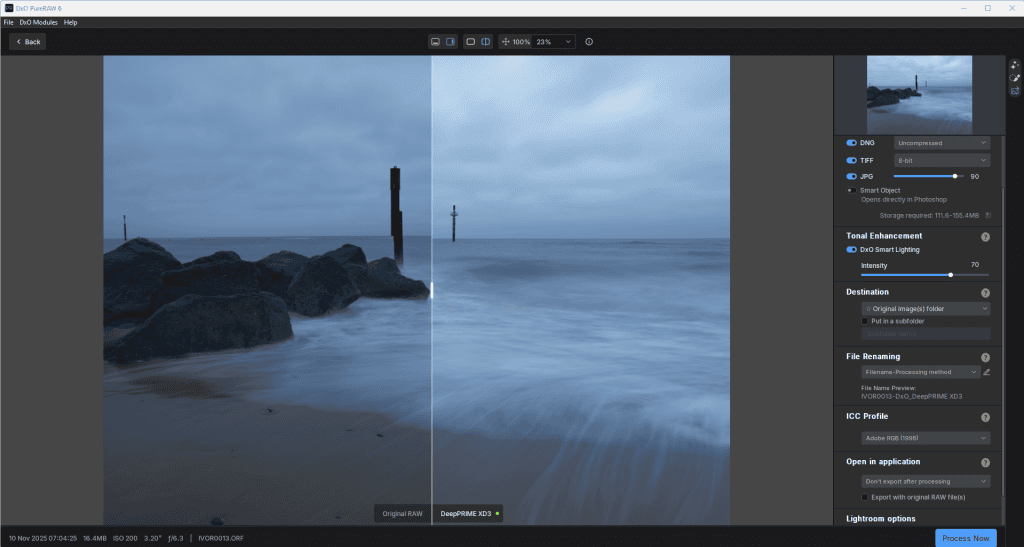
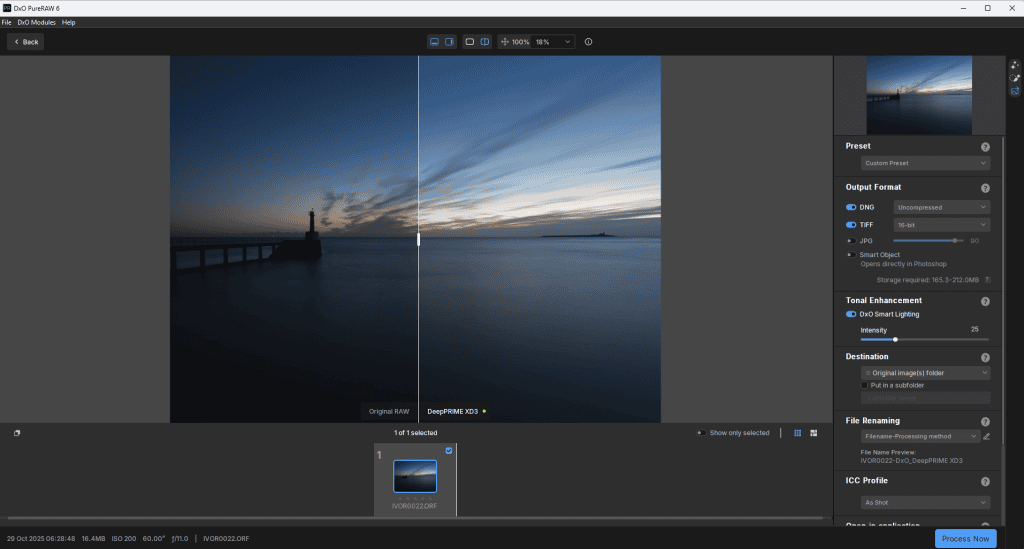
PureRAW is designed for photographers who already like their editing software. Rather than offering a full creative workspace, it first processes RAW files, applying DxO’s optical corrections, demosaicing, and DeepPRIME noise reduction. It then hands those improved files to another application.
Version 6 adds DeepPRIME XD3 for supported Bayer and X-Trans cameras, AI dust removal, faster batch processing, and a compressed DNG option intended to reduce storage demands.
The appeal is simplicity. A Lightroom or Photoshop user can improve technically challenging files without abandoning familiar editing habits.
Wildlife, sports and night photographers may find it particularly valuable. Its limitations are equally clear. It requires an extra processing stage, which adds time and intermediate files to the workflow, and it cannot replace a full editor for colour grading, retouching or cataloguing.
Because PhotoLab ELITE shares the core correction technology, buying both is often unnecessary.
Its limited scope is deliberate. PureRAW concentrates on delivering cleaner, better-corrected starting files without requiring a new editing system. Its extra processing step is worthwhile for wildlife, concerts, sports, and night scenes where noise reduction and optical correction make a visible difference.
Selective use on demanding images keeps processing time and storage manageable.
Who should buy it?
This software is perfect for Lightroom, Photoshop, and other raw-editor users who are already happy with their editing and organisation but want exceptionally high image quality, or who regularly struggle with noisy, high-ISO, or optically difficult images.
Why buy it?
Buy PureRAW if you want to improve the files entering your existing workflow rather than replace the workflow itself.
Verdict:
An excellent specialist companion, not a standalone editing solution.
Nik Collection 9 has Creative Effects with Depth
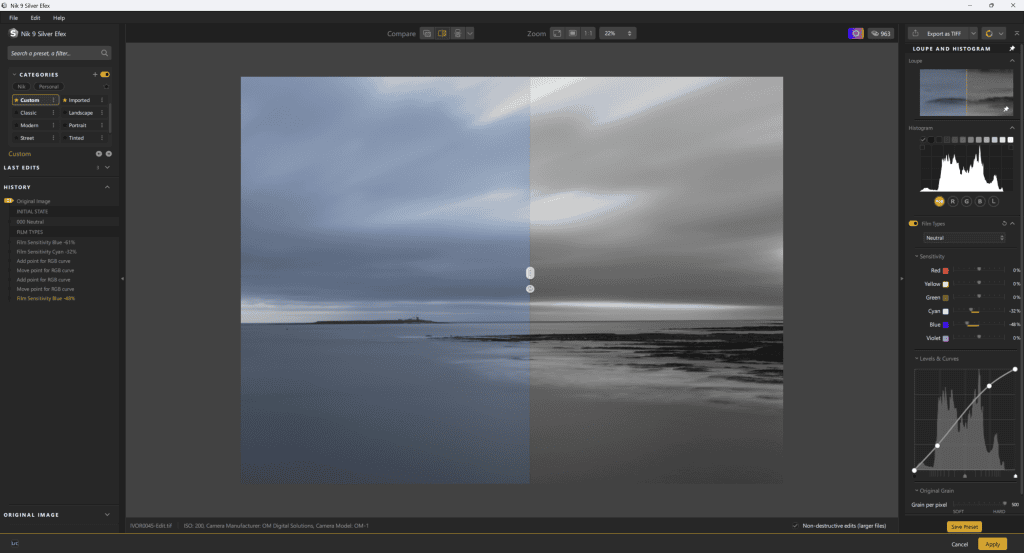
Nik Collection is a suite of seven applications and plugins spanning black-and-white conversion, colour treatments, analogue looks, sharpening, noise reduction and HDR effects.
Silver Efex has been the most attractive option for monochrome photographers for years. It offers fine control over contrast, tonal relationships, and film-inspired character.
Color Efex and Analog Efex encourage experimentation through layered effects and presets, while integration with Photoshop supports more flexible, layer-based work.
Nik’s greatest strength is how quickly a photograph can acquire a distinctive aesthetic without sacrificing detailed controls. It is especially rewarding for portrait, fine-art and editorial work.
The downside is that the suite can feel fragmented, with some functions overlapping tools already available in a RAW editor. Presets can also become heavy-handed if applied without restraint.
However, the separate applications are specialised creative workspaces rather than a single generic filter panel.
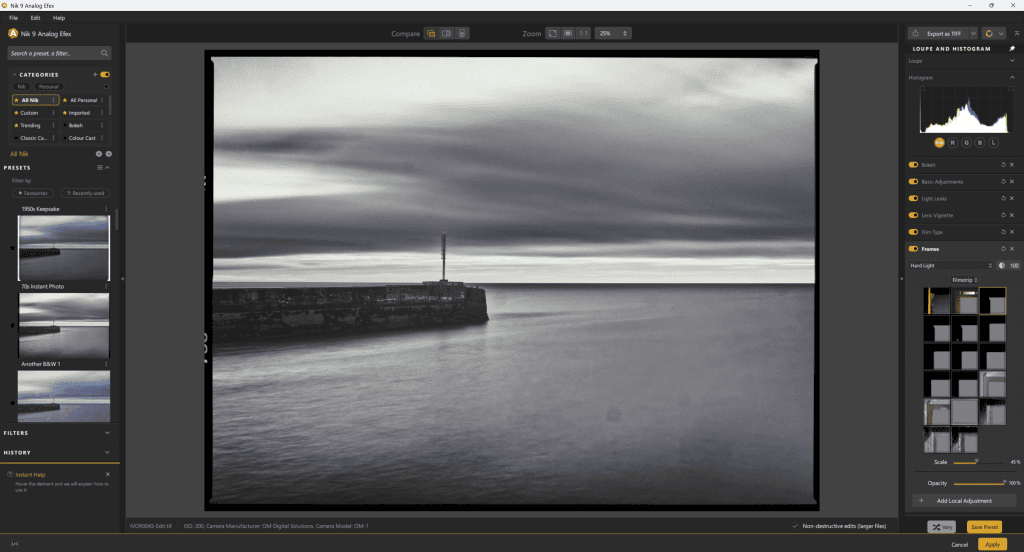
Silver Efex, Color Efex and Analog Efex give photographers different routes to a personal look. Overlap can be useful when a specialist tool achieves a desired effect more quickly or with finer control. Presets work best as adjustable starting points, not one-click final answers.
The separate applications are specialised creative workspaces rather than a single generic filter panel. Silver Efex, Color Efex and Analog Efex give photographers different routes to a personal look. Overlap can be useful when a specialist tool achieves a desired effect more quickly or with finer control. Presets work best as adjustable starting points, not one-click final answers.
Who should buy it?
Black-and-white, portrait, fine-art and editorial photographers who want a broad palette of creative finishing options.
Why buy it?
Buy Nik Collection if expressive finishing is central to your photography, and you expect to use several of its creative tools regularly.
Verdict
This creative toolkit is worth considering when style matters more than a streamlined file management workflow.
DxO FilmPack 8 for the analogue specialist
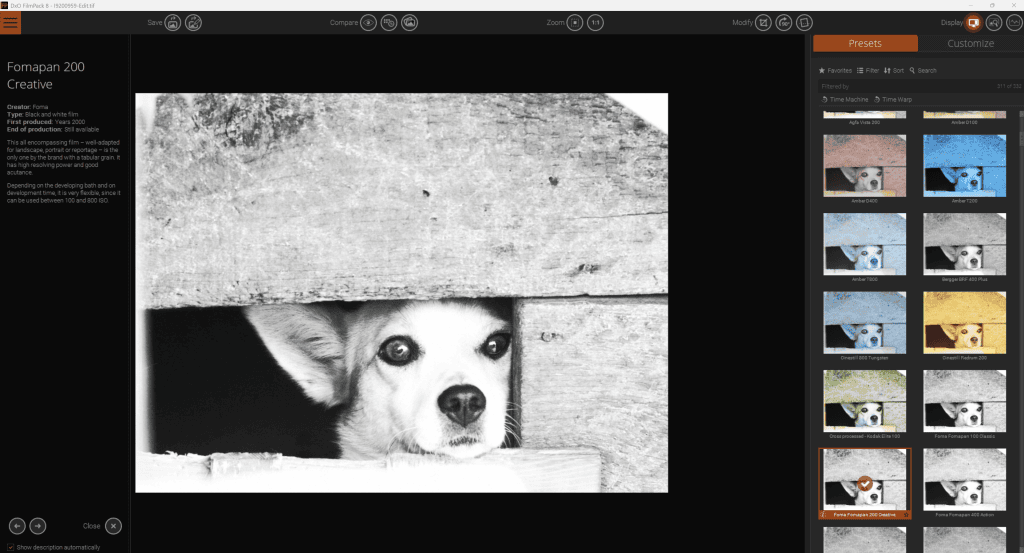
Lots of photographers want to emulate the look of film. Some cameras are especially known for their ability to apply film types to their jpegs. This is where DxO FilmPack comes into its own.
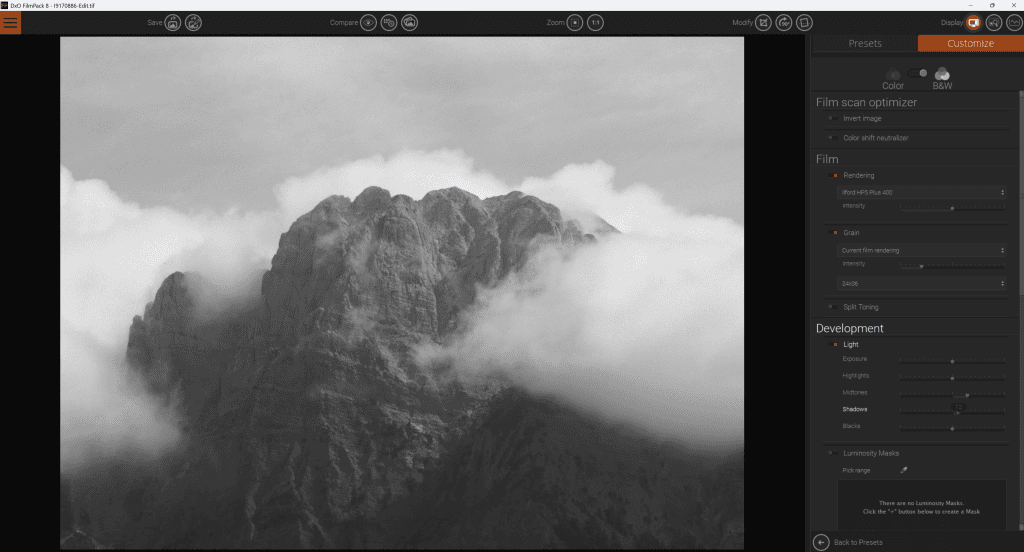
FilmPack focuses on recreating the colour, contrast and grain of traditional photographic film. Its simulations are based on measured film characteristics rather than merely fashionable filters, and version 8 includes tools for processing scanned negatives and slides.
FilmPack can operate independently or integrate with supported Adobe software and PhotoLab.
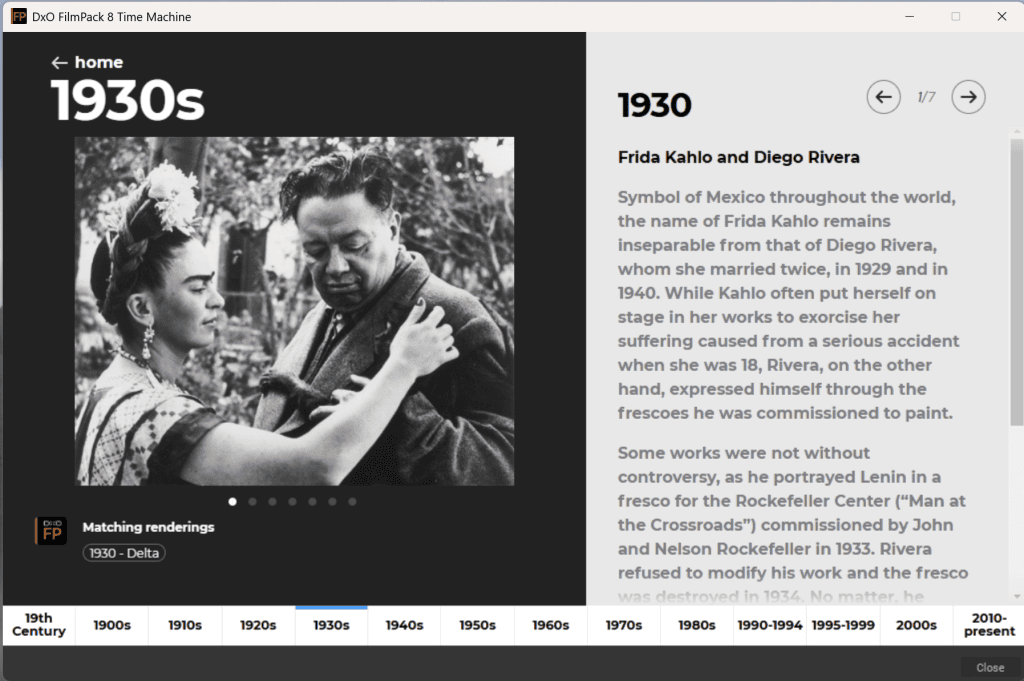
The results can be subtle, especially when the photographer adjusts grain, toning and contrast rather than accepting a preset unchanged.
It is an appealing choice for enthusiasts of classic colour stocks and expressive black-and-white photography.
FilmPack’s narrow remit makes it harder to justify for someone who seldom uses film looks. Nevertheless, I find it a great starting point for developing images I plan to print.
It’s worth remembering that Nik Collection also offers analogue-inspired effects, though with a different emphasis.
Specialisation is the attraction. FilmPack focuses on the distinctive relationships between film colour, contrast and grain, helping photographers develop a coherent visual look across an entire series of images.
Compared with a broad effects suite, its dedicated film-rendering approach is especially compelling when an analogue look is a consistent artistic choice rather than an occasional novelty.
Who should buy it?
FilmPack is great for Street, documentary, portrait and fine-art photographers who repeatedly seek the character of classic colour and black-and-white film.
Why buy it?
Buy FilmPack if film aesthetics are a defining part of your work and you want repeatable, controllable results.
Verdict:
FilmPack is a focused and convincing option for photographers who care about film character and consistency.
DxO ViewPoint 6 keeps geometry under control
ViewPoint tackles problems that conventional tonal editing cannot solve: converging verticals, awkward perspective, stretched figures near wide-angle frame edges and other geometric distortions. Version 6 extends local geometric corrections with AI-assisted masking, and its standalone application supports RAW files. It also integrates into PhotoLab and supports Adobe workflows.
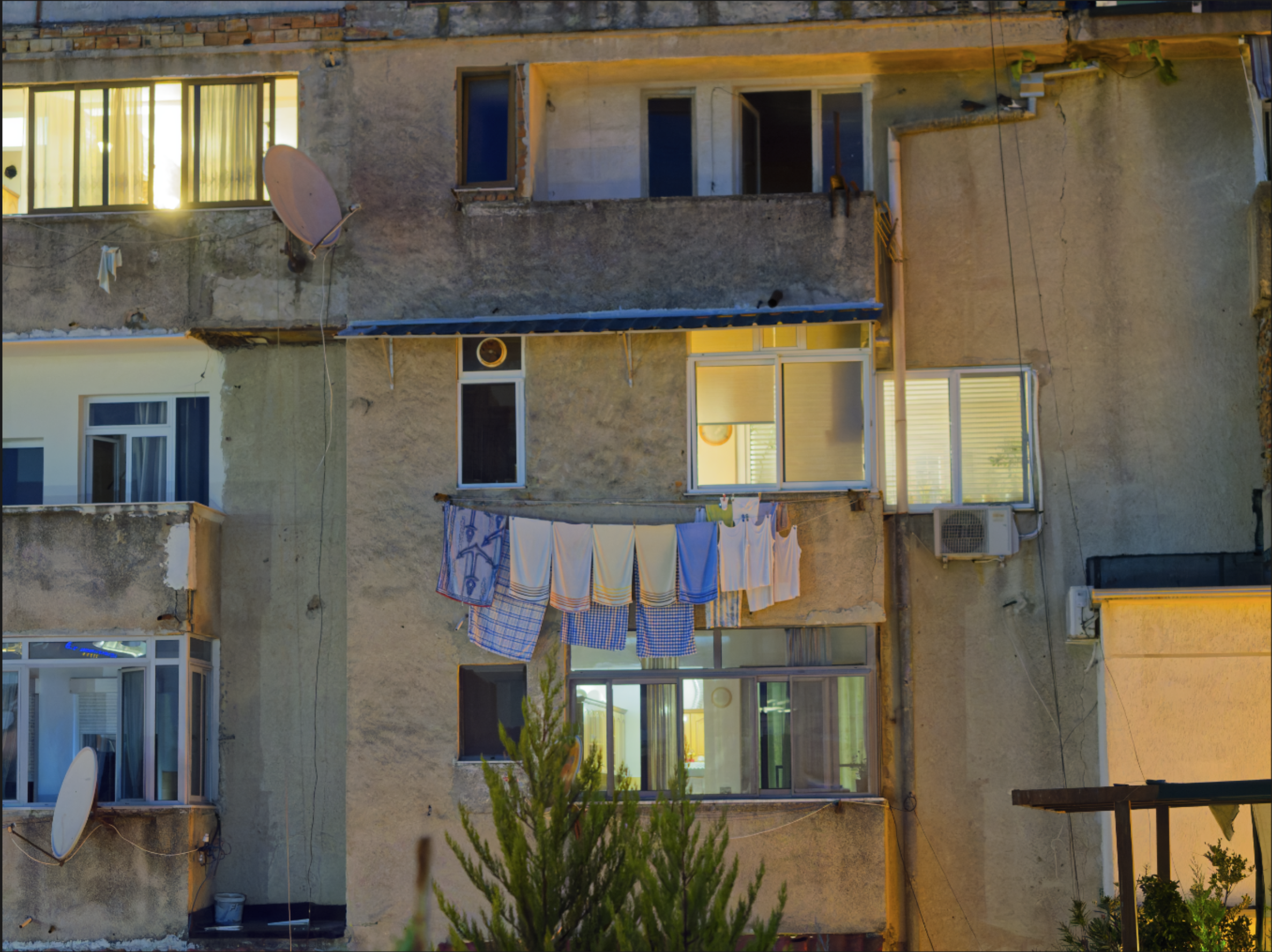
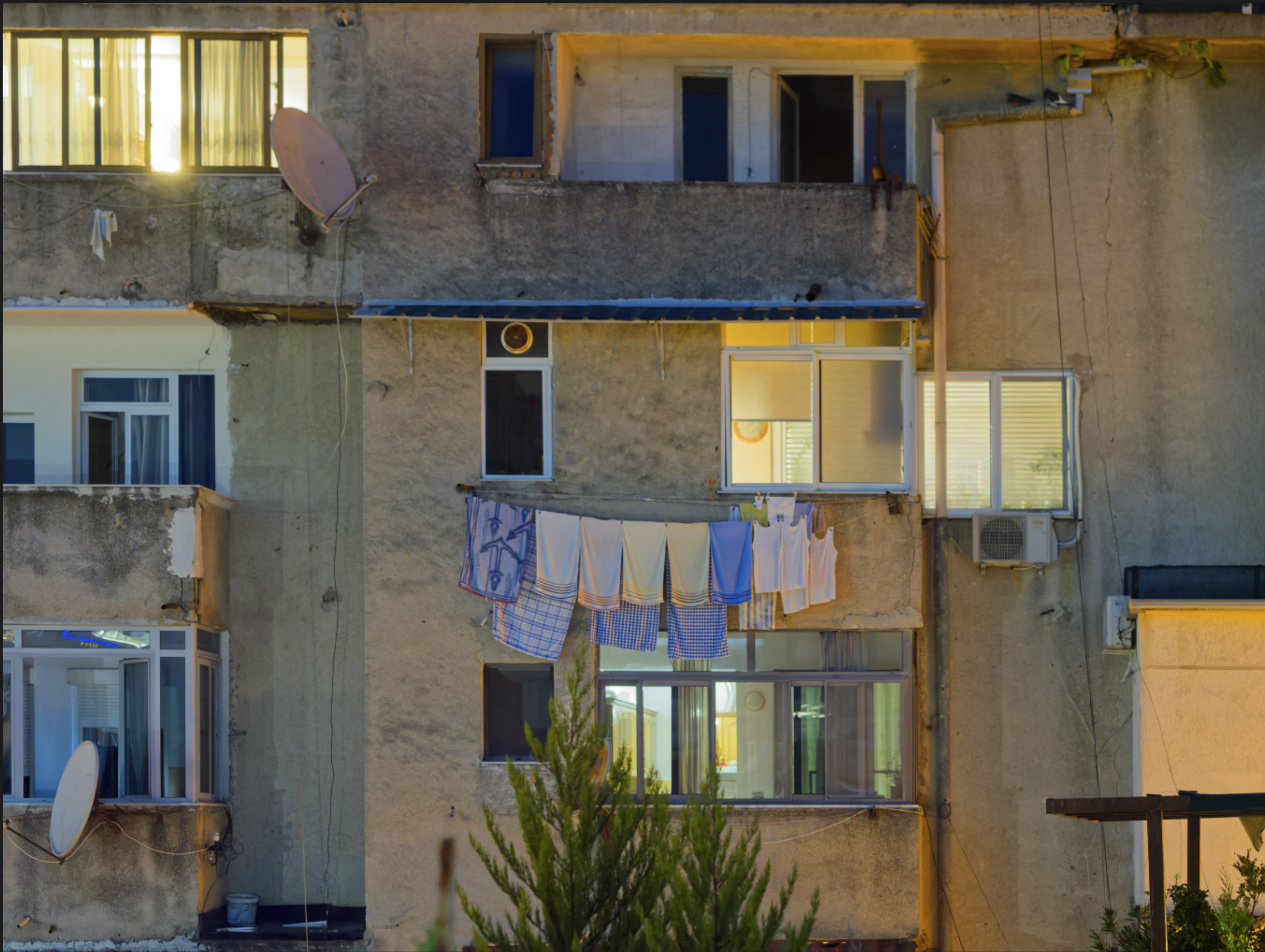
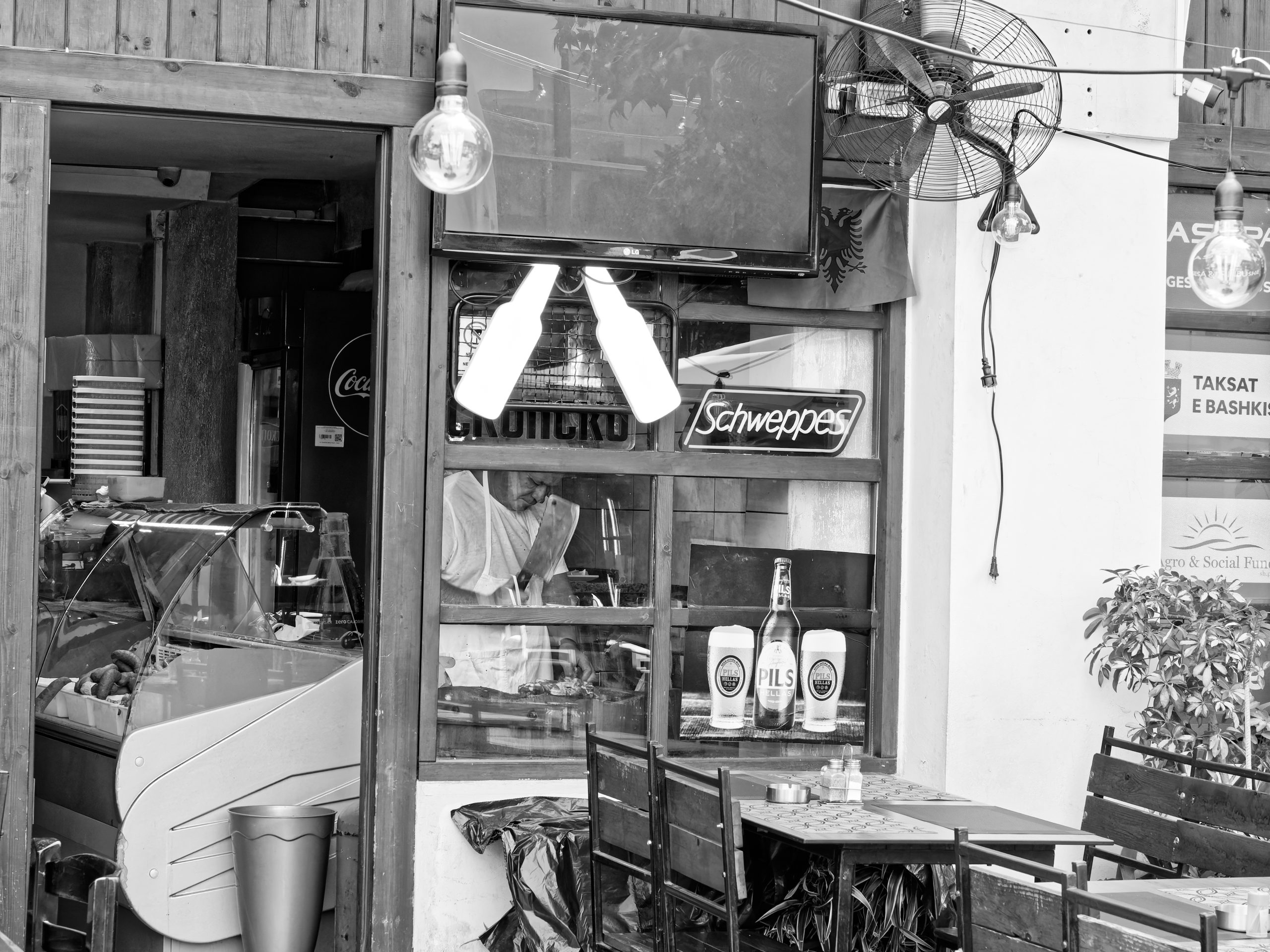
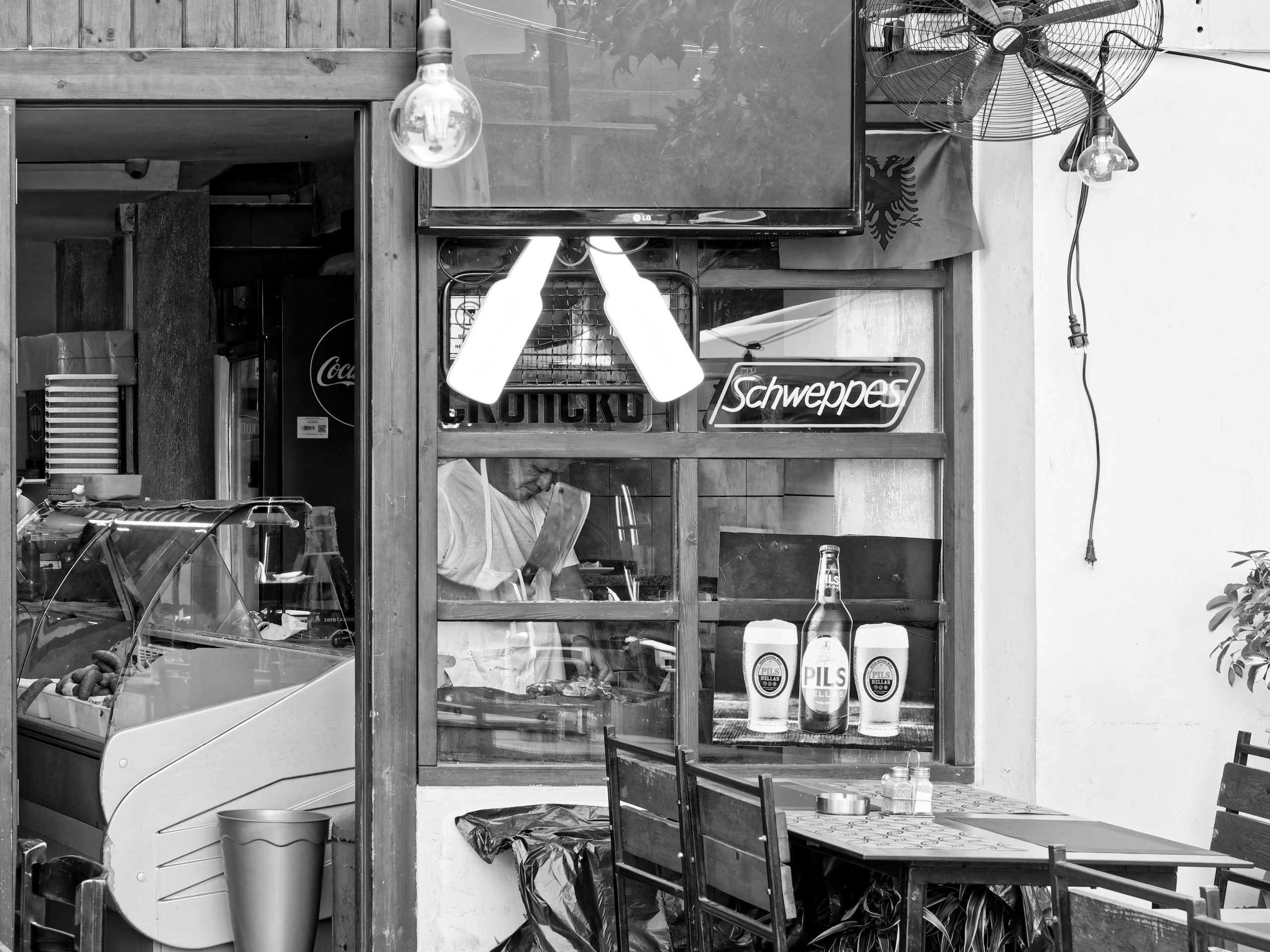
The above shows the same image before and after applying the Auto setting in ViewPoint. Manual changes are available too.
For architecture, interiors, property photography and wide-angle group portraits, these controls can rescue compositions that would otherwise demand difficult compromises.
The correction tools are precise, but they cannot restore scene information never captured, and aggressive adjustments may still look artificial. Casual photographers may rarely need this degree of control.
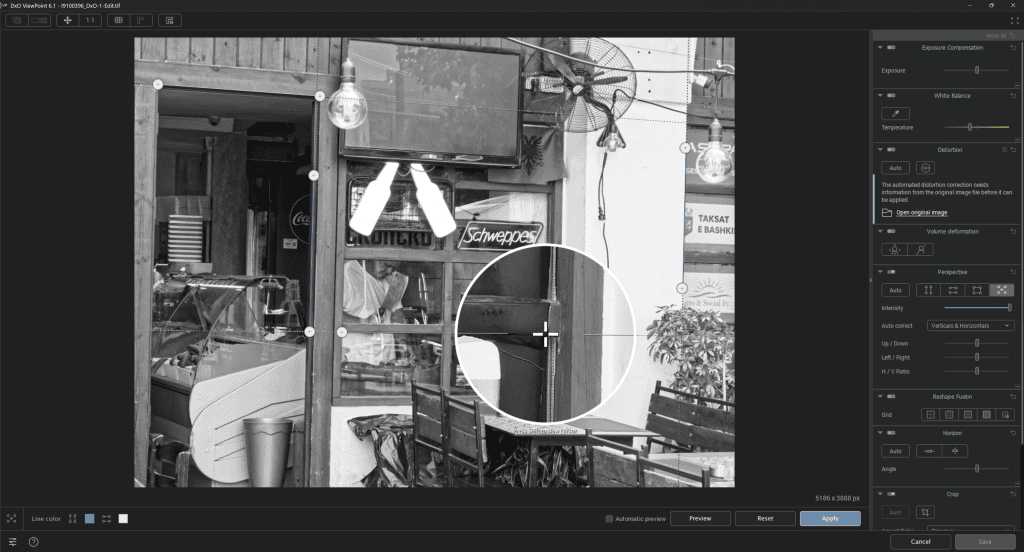
Corrections can force cropping and cannot recreate missing image content, like the basic perspective tools already in many editors; these limits apply to perspective correction generally, not just ViewPoint.
Its value lies in dedicated controls for converging lines, geometric distortion, and wide-angle stretching, which can make difficult photos more convincing. It can also save time on repeated manual adjustments.
For paid property or architectural work, its dependable correction may be more valuable than an all-purpose editing feature.
Who should buy it?
Architecture, interiors, property, cityscape and wide-angle photographers who routinely need accurate-looking geometry.
Why buy it?
Buy ViewPoint if geometric accuracy is a regular requirement and basic transformation tools are slowing you down.
Verdict
This is an unusually useful specialist application for perspective-sensitive work.
Which DxO product should you choose?
For a new raw-based workflow, start with PhotoLab ELITE, which combines DxO’s strongest technical processing with broad editing capabilities.
However, if you are committed to Lightroom or Photoshop, PureRAW is the more economical option because it improves the input files without replacing your editor.
Choose Nik Collection for creative experimentation, FilmPack for faithful film-inspired rendering, and ViewPoint for architectural and perspective corrections.
The main purchasing caution is overlap. PhotoLab and PureRAW share key processing technology; FilmPack and Nik both explore analogue aesthetics; and general-purpose editors already offer some perspective correction.

Before buying, check camera support, especially if you own a new camera. Like all software, you also need to check operating-system requirements. Try trial versions, and check the upgrade terms before committing.
DxO’s software is best when chosen to solve a real photographic problem, rather than accumulated as a complete set. For me, it delivered far better final image quality than Adobe’s offerings. I’m not saying that Adobe’s is bad; it suits many people. But DxO’s software took it up to the highest level.
Overall verdict
DxO’s competitive advantage remains technical image quality, especially noise reduction and optical correction. PhotoLab offers the most complete package, PureRAW the easiest enhancement to an established workflow, and the other three products provide specialist creative or geometric control.
The trade-offs are cost, overlapping features and occasional workflow complexity. Nevertheless, for photographers willing to learn the tools, the results can justify those compromises. I use it and find the results far superior to other software.
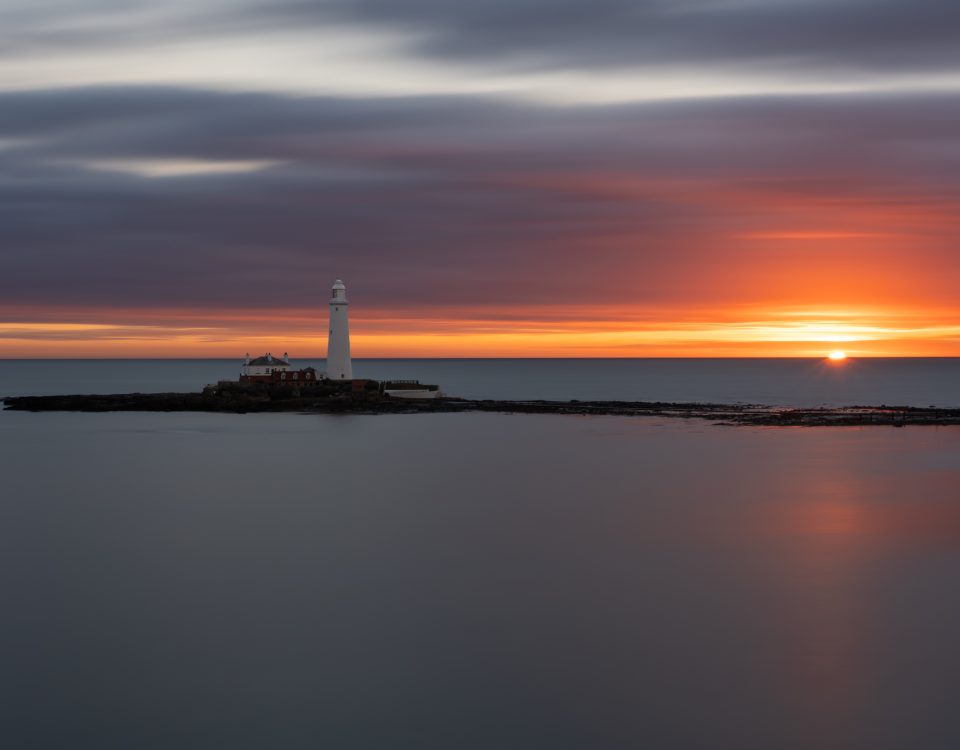
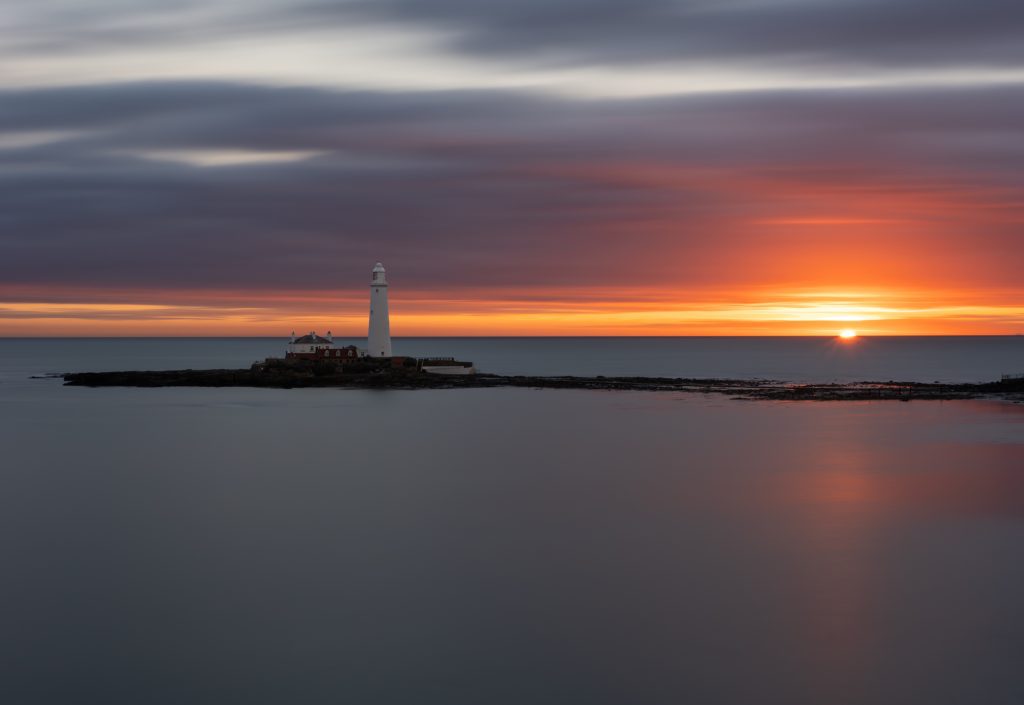
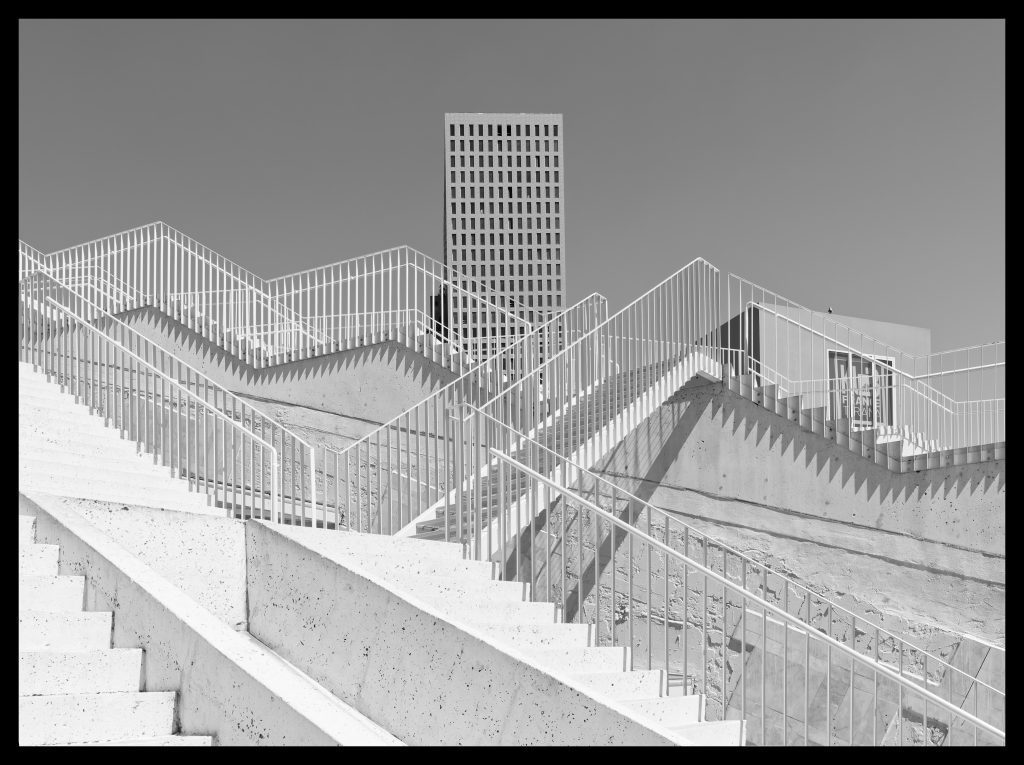
All images were shot using an OM System OM-1 Mark II or an OM-5 Mark II and developed using the DxO software,
If you want to chat about the cameras or the software, please get in touch.
If you plan to try or buy the software, or just explore it, please use one of the buttons on this page to visit the DxO site. It does give me a very small commission, which helps me keep this site running.