
Choosing a Camera for Christmas? Here are lots of tips.
7th November 2026
Is Your Camera Missing Features That Make Photography Easier?
When buying a camera, it’s tempting to go for the cheapest. Or you might be swayed by the one your friend uses. But choosing a camera involves much more than many people realise. You may end up with something completely unsuitable. This, and my previous blog post, should help you make the right decision.
When Buying a Camera, People are Drawn to Big Numbers, and that’s a Mistake.
If one camera has more pixels than another, it must be better, right? No. It may seem so because simple numerical differences are easy and fast to understand.
For many of us, more pixels actually means nothing more than bigger file sizes; you need less than 9 megapixels to print an A3 photo. But we focus on the number because we think a bigger number means a better camera.
Consequently, marketing and advertising departments exploit that. More megapixels, focus points, and frames per second are easy to highlight in an advert. The controls you use dozens of times on every outing tend to get less fanfare, even though they decide whether a camera feels like a useful tool or an expensive but irritating device.
I regularly handle cameras brought to my workshops and courses by people frustrated with something. Yet it’s something they cannot quite lay their finger on.
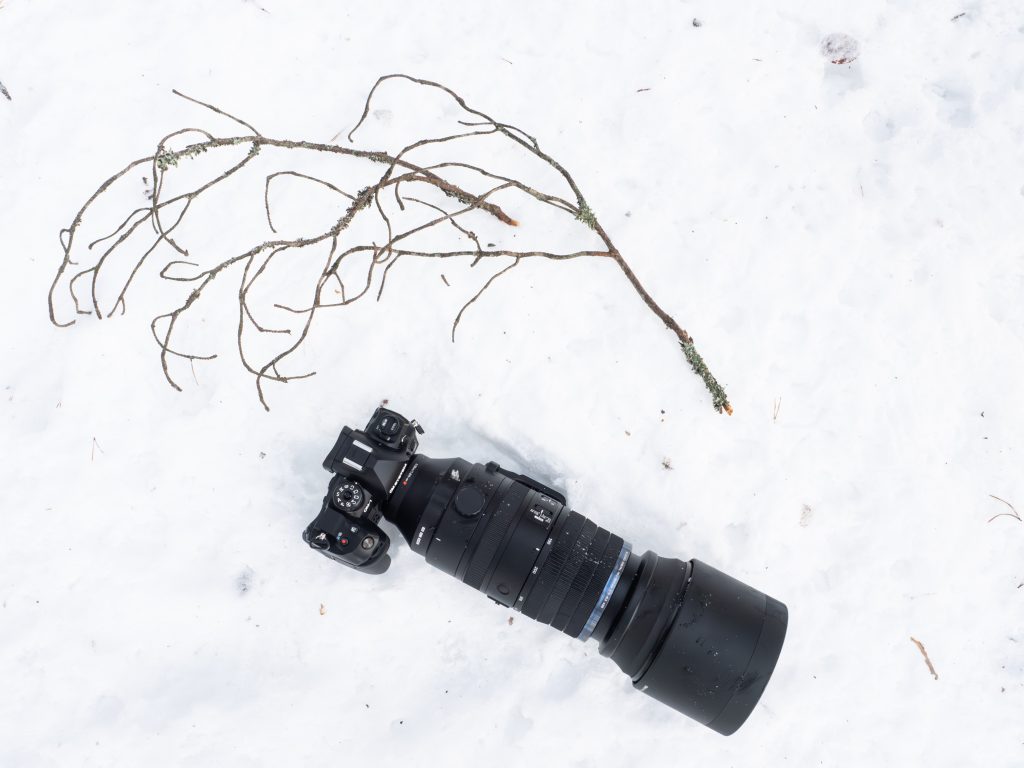
For example, they may have a perfectly capable sensor and an impressive-looking lens, yet changing an exposure setting takes an unnecessary hunt through the menus.
Furthermore, budget models sometimes leave out the most helpful camera functions. For example, composing at knee height might require a yoga pose to see the screen. They don’t realise some cameras have a simple solution.
The problem photographers face when buying a camera is not a lack of available technology. It’s that the technology was put in the wrong place or omitted altogether to keep the price down. Or, if I am being cynical, so the photographer feels the need to upgrade.
Not every photographer needs every available camera feature. A studio photographer’s priorities are different from someone standing in a gale beside the North Sea.
That notwithstanding, the following functions are worth considering because they make ordinary photographic tasks easier.
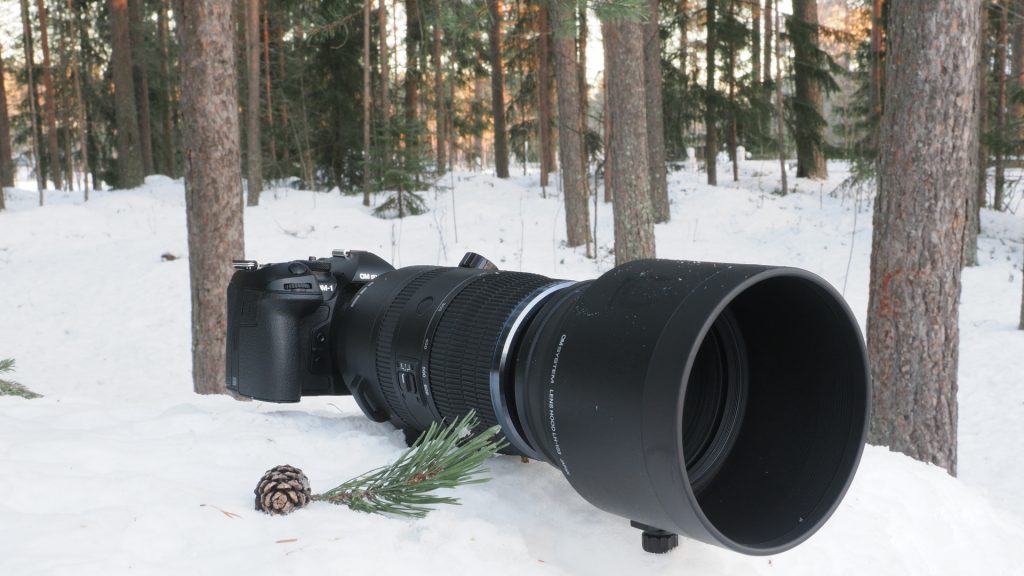
Two Control Dials Make a Lot of Difference.
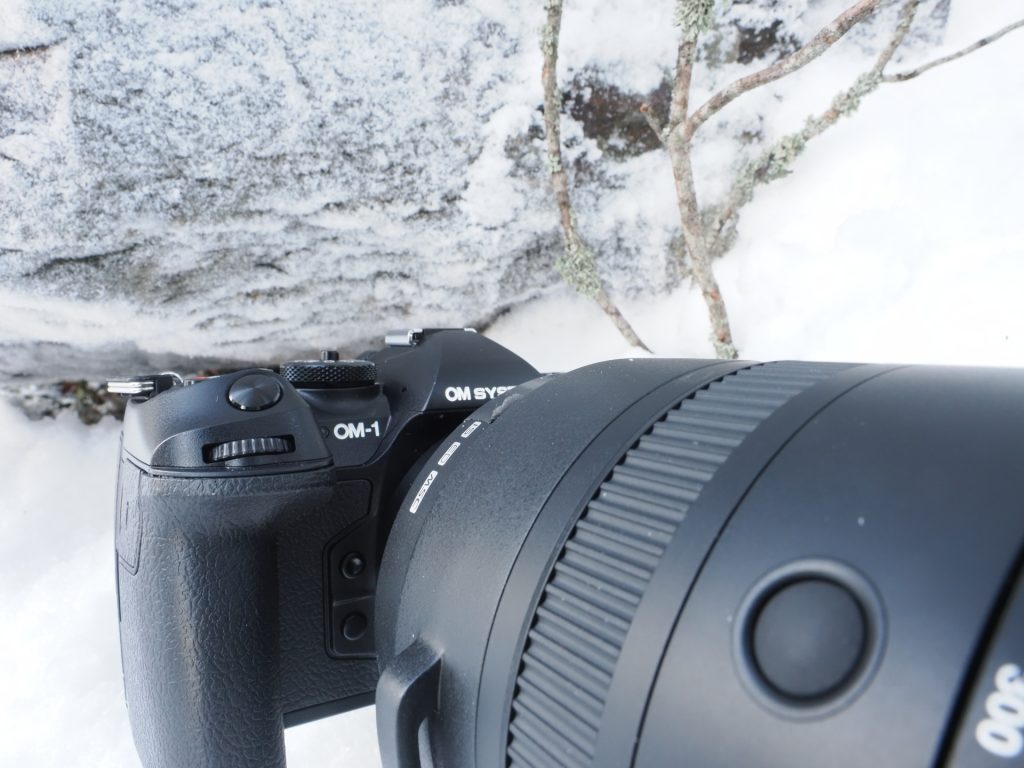
A camera with front and rear control (sometimes called command) dials lets you alter aperture and shutter speed directly in manual exposure without pressing a button. Alternatively, they adjust the relevant setting and exposure compensation in a semi-automatic mode, such as the aperture in aperture priority mode.
That extra button press sounds like a minor inconvenience. But having two dials really speeds up exposure adjustments; the subject doesn’t wait while you fumble for that button to make the same dial do a different job.
That’s why I always suggest you try the controls before buying a camera.
Some rear dials also act as push-buttons. It sounds like a good idea, but in practice, it’s easy to mispress the dial when you’re trying to turn it quickly. I prefer separate, positive controls that tell my fingers what they have done.
Buying A Camera with a Viewfinder that Helps You Take a Picture.
A viewfinder should show a large, bright and accurate view of the frame.
Seeing what is in the viewfinder helps you notice untidy edges, distracting twigs, unwanted alignments, and wonky horizons. A tiny viewfinder that makes manual focus and composition difficult is a serious compromise.
Both the rear Live View screen and electronic viewfinder are problematic on some cameras. Therefore, if possible, see whether the displays stay usable in bright sunshine and in dull conditions. Also check whether the resolution and refresh rate are good enough for you.
You will also want them to easily bring up and hide essential information, like exposure settings and the histogram.
The eye sensor should quickly switch between the rear screen and eyepiece.
Also look for a dioptre adjustment. It changes the viewfinder image to suit your eyesight; it does not focus the lens, but it can save a great deal of squinting.
Make sure that the viewfinder gives you a full view of the recorded frame. Electronic viewfinders ordinarily offer 100% coverage of the scene. However, specifications and settings still deserve a glance. It is far better to discover a display limitation in a shop than discovering a poorly placed horizon or an encroaching distraction when you get home.
You’ll also want a Screen that Helps You Change Your Viewpoint.
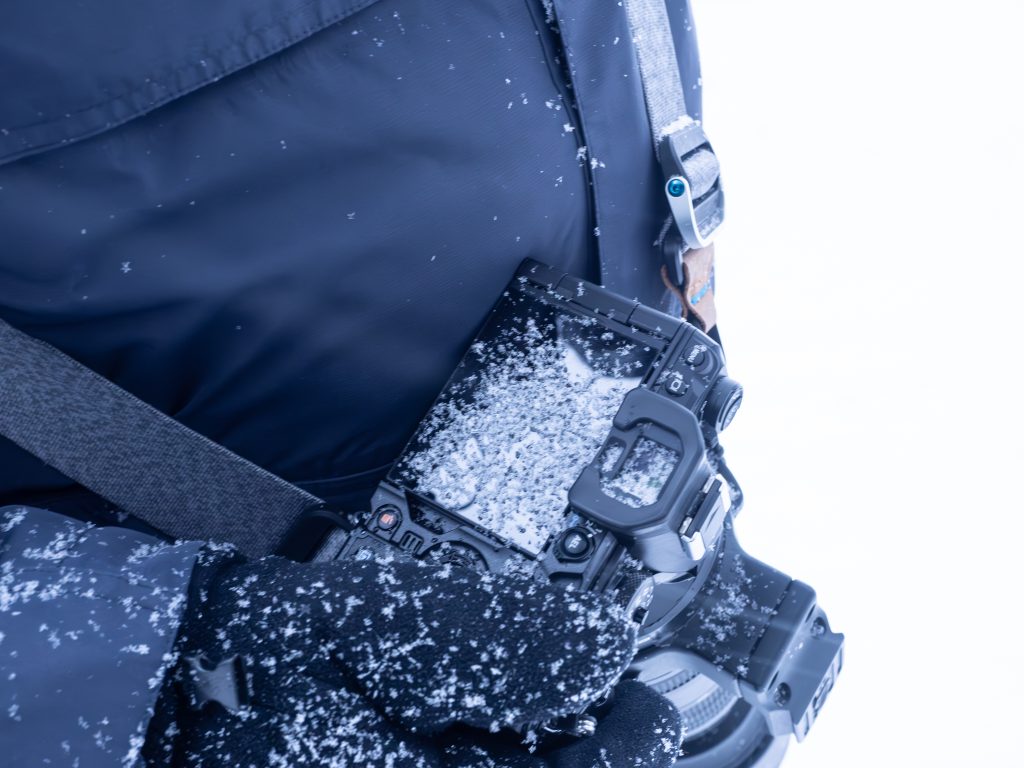
Many of the best photographs result from putting the camera somewhere your eyes don’t normally go. That might be a few inches above the ground, held over your head, or amongst the foliage to photograph a flower or insect. A tilting or fully articulated rear screen makes those positions much easier to reach.
Tilting screens also make low and high shooting quick. A side-hinged, fully articulated screen can also face forward, which helps if you want to be in the frame. Neither system is superior in every situation. So it’s the system that suits how you work that is most important.
Touch screen controls can be invaluable. However, not so much if you work with gloves, in the rain, or are prone to accidental touches.

Help with Steadiness and Speed
Image stabilisation reduces the blur caused by camera movement. However, it cannot stop a moving subject from blurring; you will still need a faster shutter speed to stop the subject’s movement.
In-body image stabilisation moves the sensor to compensate for small camera movements. Its great advantage is that it can assist any compatible lens, including small primes and lenses that have no stabilisation of their own. It is exceptionally useful in low light, for close work and whenever a tripod would be clumsy.
When buying a camera, it’s also worth checking how the body works in conjunction with stabilised lenses. Different manufacturers differ in their approach. Ideally, you want a system where the lens’ stabilisation syncs with that of the camera.
Buying a Camera with other Aids to Help Prevent Blurred Images.
Focus limiters restrict the range through which autofocus hunts. As a result, a lens can find focus more quickly.
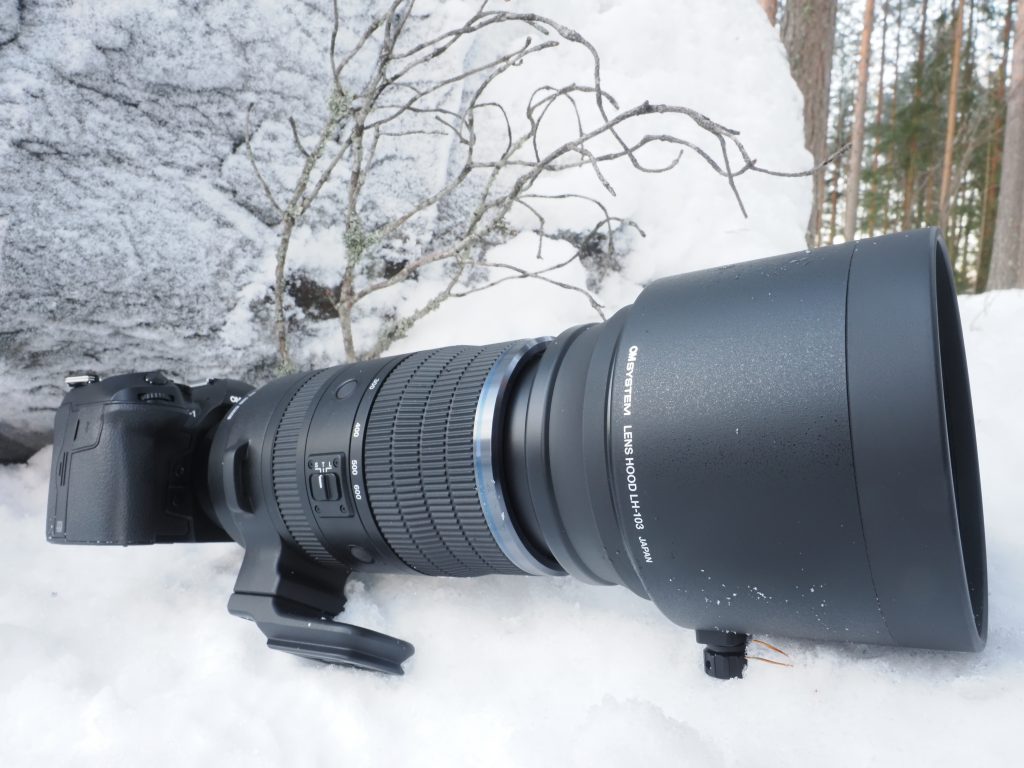
OM System’s Pro-capture feature buffers frames before the shutter is fully pressed and records them to the memory card when it is. That is a practical answer to the fact that human reaction times have never been especially reliable.
Functions That Protect Your Photos
Buying a Camera with Dust Removal
A dependable dust-reduction system is an unglamorous but invaluable feature.
Sensor dust is especially visible against a pale sky or at small apertures, and removing it from many images is an excellent way to spend an evening you will not get back. Check how the model cleans itself and how easily you can access the sensor for proper cleaning if needed.
OM SYSTEM is widely recognised for having the best sensor dust removal. I have never had to clean dust from the sensors on my OM SYSTEM cameras, but sensor dust is a significant issue with some other brands. When buying a camera, it’s worth considering, especially if you will be working or storing your camera in a dusty environment.
Buying a Camera that can Merge Bracketed Images.
Bracketing is common on many cameras, but some go further by combining multiple bracketed exposures into a single HDR image. Other photographers need software to do that.
Focus bracketing shoots images focused at different distances. Some cameras can merge those images into a single frame with a much deeper in-focus area.
Of course, those features don’t replace knowing how to control exposure or depth of field. Nevertheless, they can make capturing some landscape and close-up tasks more straightforward.
Using the Electronic Shutter.
An electronic shutter is silent and avoids the movement of a mechanical shutter. That is essential at ceremonies, in quiet wildlife situations and other times when discretion matters. This is where mirrorless cameras have a distinct advantage over DSLRs.
Electronic shutters do have their drawbacks, though. For instance, under some artificial lighting or with fast-moving subjects, they can produce banding or distorted vertical lines.

When Buying a Camera, Choose the Features You Need in Order of Use
The most useful camera features are the ones you’ll use repeatedly, not the ones you can demonstrate once to impress a friend.
A well-designed camera disappears from your attention, and you will use it as an extension of your body while you photograph. It takes the picture but doesn’t make it for you.
It gives you fewer reasons to miss the shot.
That functionality is not as exciting as a new record for the number of pixels its sensor has. However, a camera that is well designed for your needs is much more likely to improve your photography on a wet Wednesday when the only bird available is a mildly suspicious jay.

If You are Buying a Camera as a Gift.
If you are buying someone a camera as a Christmas or birthday gift, I have another post that covers that and other tips to help you choose.
Buying an OM System Camera
Maybe you have already decided to buy an OM System camera. (If you haven’t, take a look at them.) If so, please get in touch, because I will probably know how to get the best deals on that gear. I can also send you a comparison of the models so you can choose the right one for your photography style.
I hope you have enjoyed this post and found it useful.
The links to OM System Cameras on this page do pay me a small commission when you use them when you are buying a camera. So I’d really appreciate it if you do.
However, I’d also be glad to hear from you before you buy, as I may know where you can find great deals.
Please share this post with any friends who are thinking about buying a camera.