
Become an Artisan Photographer
24th September 2026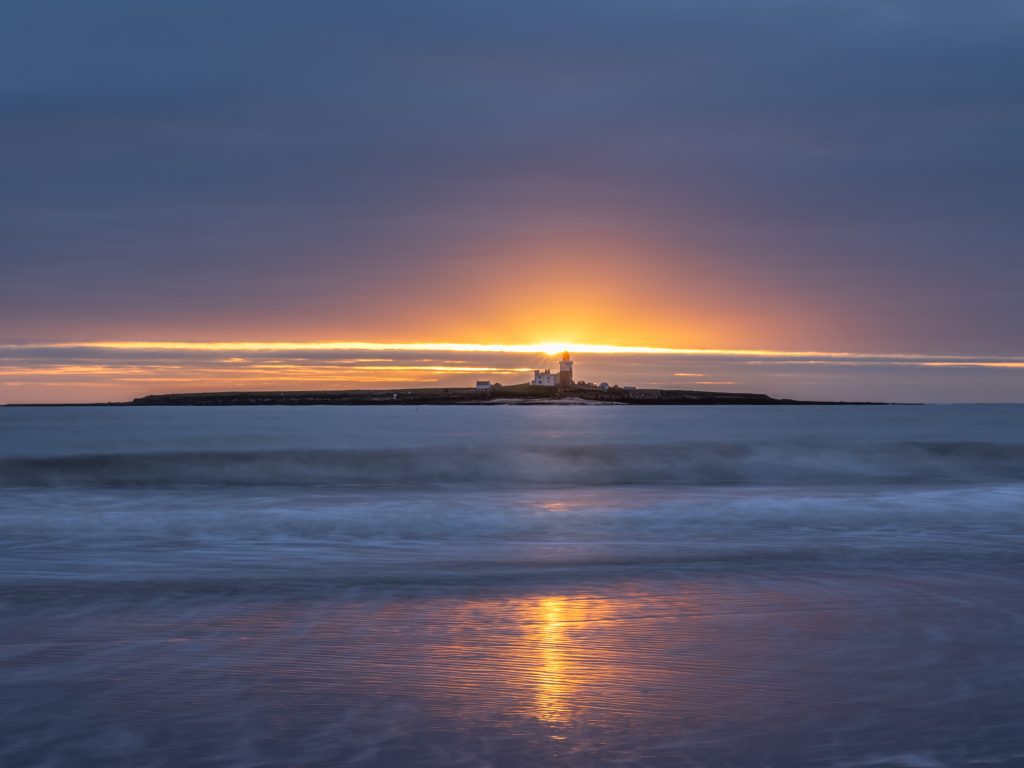
More people are choosing OM System cameras than ever before. People are drawn to their smaller size. They weigh less, too. Coupled with their excellent image quality, those ergonomic advantages make it easy to overlook the innovative features that set them apart from the competition.
I have noticed the increase in OM System users. I run photography workshops in Northumberland, and the participants used to be solely Canon and Nikon users. It was rare for an Olympus user to be on my courses. Now, I’m seeing OM System camera owners more often.
OM System cameras (sold under the Olympus name until the brand was relaunched a few years ago) occupy a distinct corner of the market. They use a Micro Four Thirds sensor, which is physically smaller than the full-frame and APS-C chips found in most rival systems.
That single design choice shapes almost everything about these cameras’ outstanding performance. It also affects what they cost and how they feel to carry. Like any engineering decision, it brings real benefits alongside a handful of limitations worth knowing about, but irrelevant for most photographers.
What You Gain
The most immediately obvious advantage is size. The lenses, in particular, are considerably smaller and lighter than their full-frame equivalents. That makes a big difference when you carry a bag all day or travel with hand luggage. This is no marginal gain. A telephoto zoom that would be a serious burden on a full-frame body becomes something you can comfortably take anywhere.
The smaller sensor also changes how focal lengths behave. Because the field of view is narrower than on a full-frame camera, a lens effectively delivers twice the reach. A 300mm lens, for instance, gives you the equivalent angle of view of a 600mm lens on a full-frame body. For wildlife, sport, or anything else where you need to get close to a distant subject, that is a significant practical advantage. Because the lenses have shorter focal lengths, they can be made more cheaply.
Closer focusing distances and greater macro magnification also matter. If you shoot flowers, insects, or other detailed subjects, the system handles them well without requiring specialist equipment.
Image stabilisation is another area where OM System cameras stand out. The smaller sensor enables a more effective in-body stabilisation system, and the results are remarkable. You can shoot handheld at shutter speeds that would blur on almost any other system, but the results stay sharp. For low-light photography without a tripod, this matters enormously.
The Micro Four Thirds Advantage
It is easy to overlook the sensor format itself when discussing individual features, but it underpins everything. Micro Four Thirds is a shared standard used by OM System, Panasonic, and more than sixty other manufacturers so that you can find a wide range of lenses and accessories.
Computational Features Found in OM System Cameras
The smaller sensor processes data quickly, and OM System has used that to build in-camera features that go well beyond what most manufacturers offer, especially for speed. These features are genuinely useful, not gimmicks.

Are There Any Trade-Offs?
Low Light Noise
Imagine buying a car that can drive at 140 mph. However, the speed limit is 70. That extra power is far more than you ever need. What is more, you would gain nothing by owning a car that can do 150 mph; it is still restricted to 70. Furthermore, that faster car costs much more to buy and run. It also loses some of the functionality your car has. Your car handles the road better, has more passenger space, and is more reliable.
Similarly, contemporary OM System cameras keep pace with larger systems. They meet almost all photographers’ needs. Some people will point out that a smaller sensor collects less light. As a result, more noise can appear at the highest ISO settings. This was an issue with older models, but modern hardware and software processing have narrowed the gap.
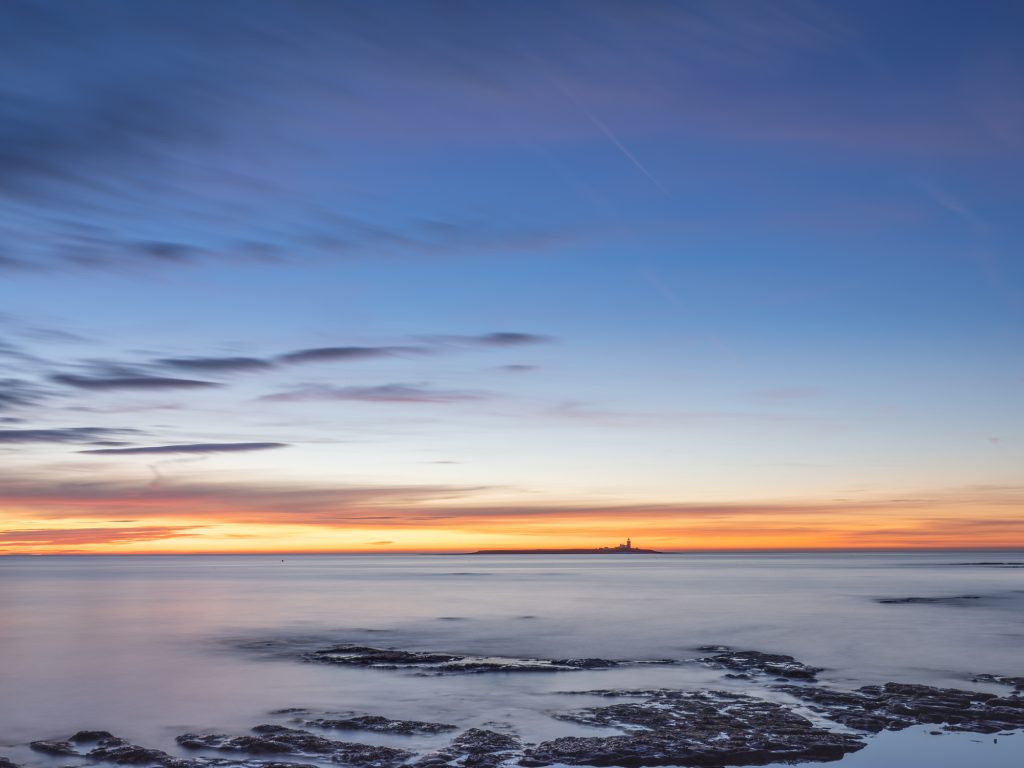
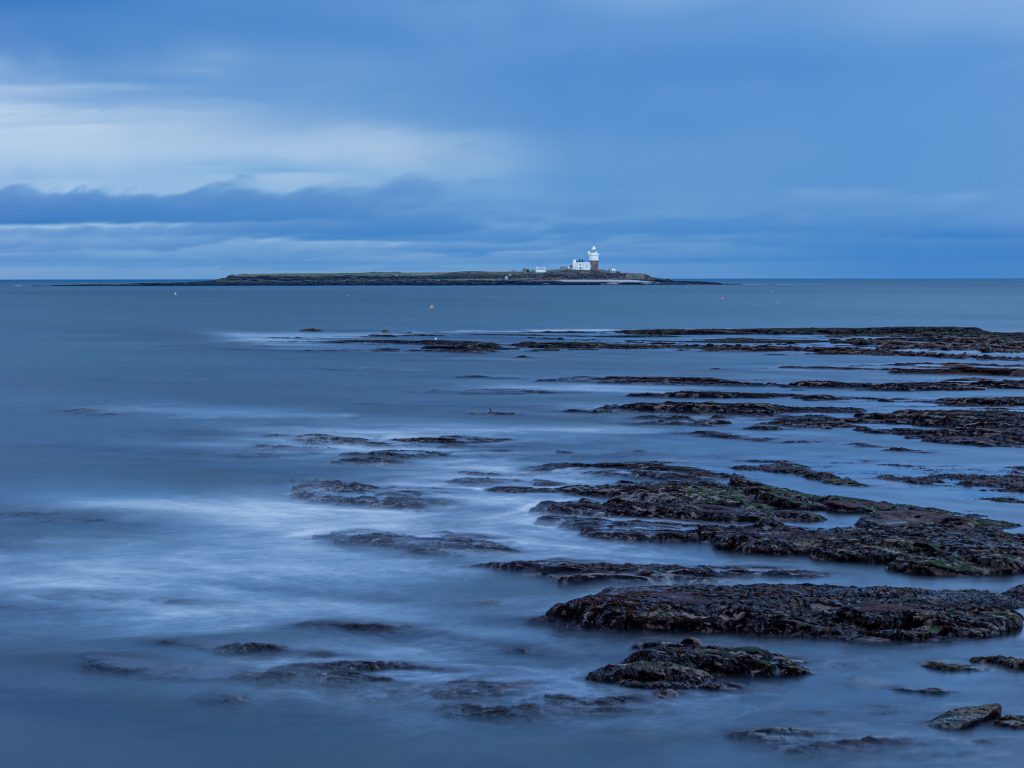
Moreover, advanced noise-reduction software can clean up files shot at very high ISOs to a degree that would have seemed unlikely a few years ago. For example. the following image was shot at twilight with ISO 10,000. I can shoot at a staggering ISO 25,600, but I never need to. A top-end full-frame camera might allow a higher ISO, but it is unnecessary.
So, the highest usable ISO might still be a limitation compared to a full-frame sensor, but it is irrelevant. So, for experienced photographers, it is rarely the deal-breaker it once was, and professionals use OM System cameras widely.
The Depth of Field Myth of OM System Cameras
Depth of field behaves differently. Contrary to what many people claim, using the same focal length and f-stop, a Micro Four Thirds sensor produces roughly two stops shallower depth of field than a full-frame camera. That’s great when photographing, say, wildlife.

OM System cameras suit photographers who value portability, reach, and advanced creative tools over extreme low-light performance. They especially suit travel, wildlife, street, documentary, adventure and macro photographers.
Anyone who wants a capable, compact kit without compromising build quality or features should consider one. Nevertheless, photographers also use them for weddings, portraiture, and other genres.
OM System: A Guide to a Few of the Key Functions
OM System has built a strong reputation as the leader in computational photography, and with good reason. Its cameras include an ever-growing range of functions. Many of them are unique to the brand. They let you do things that are impossible on most other systems. If you have picked up one of their cameras and found yourself staring at menu options that don’t immediately make sense, this guide should help.
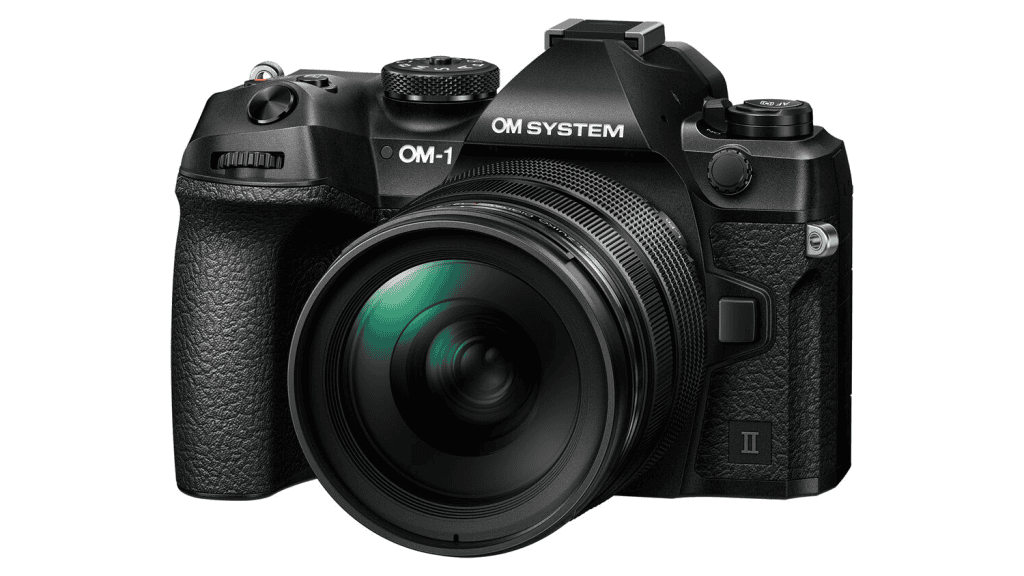
What follows is a plain-English introduction to the most significant features. The examples and menu positions shown here refer to the OM-1 Mark II, the current flagship model that offers the full set of functions. Not every feature is available on every camera in the range, so I show which functions are available on the current cameras.
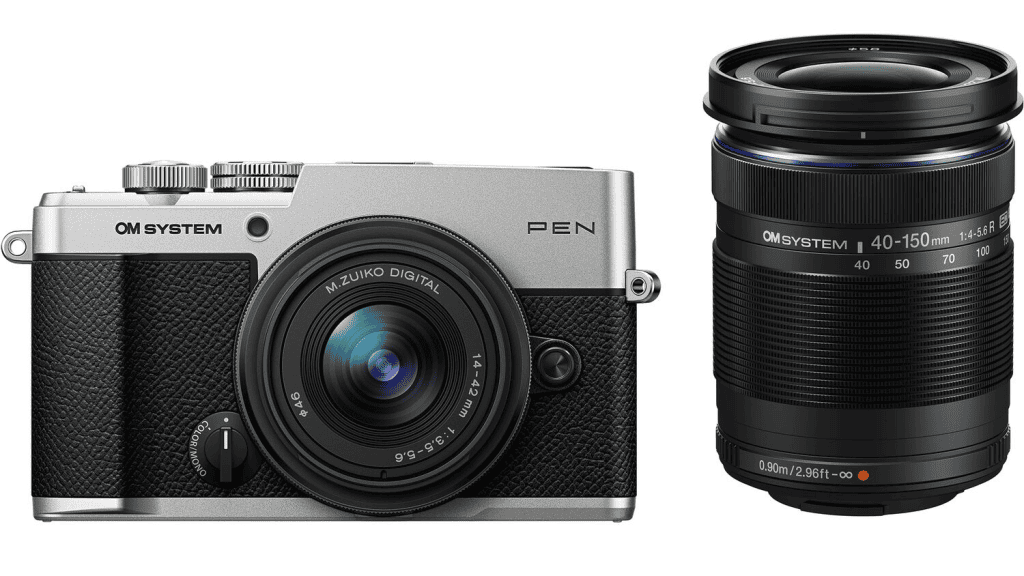
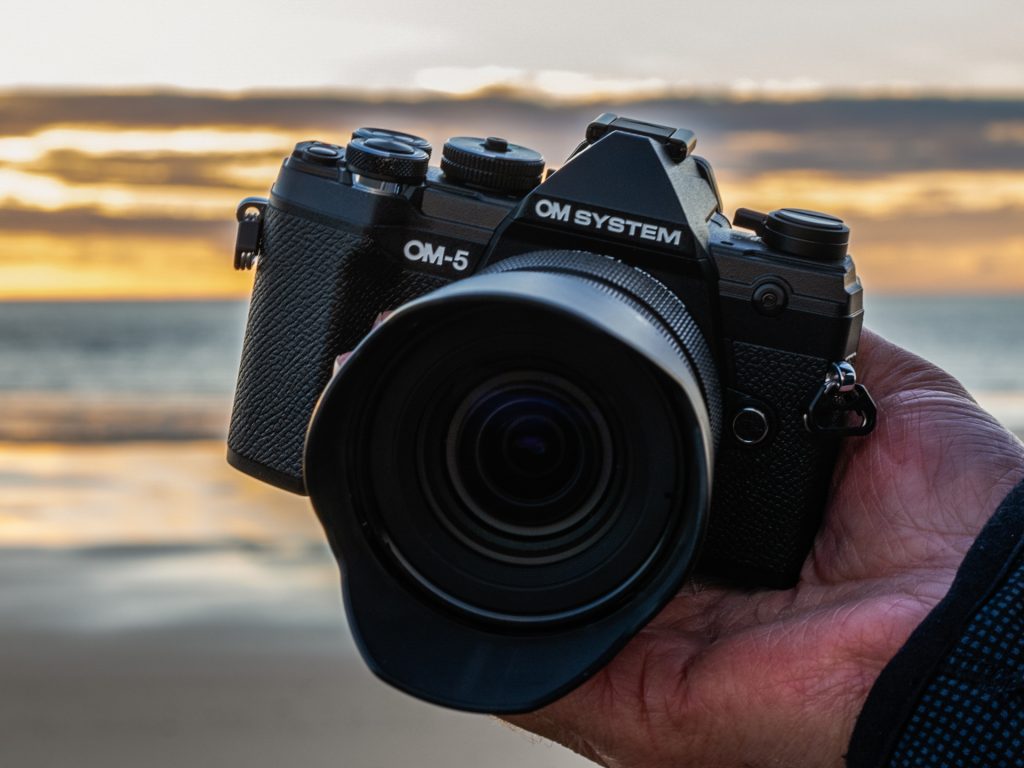
All the cameras have physical differences beyond size and shape. For instance, the PEN, OM-3 and OM-5 Mark II share a CP (computational photography) button that shortcuts those settings, and the OM-3 also has a creative dial not found on the OM-1.

OM System Computational Photography
High Res Shot
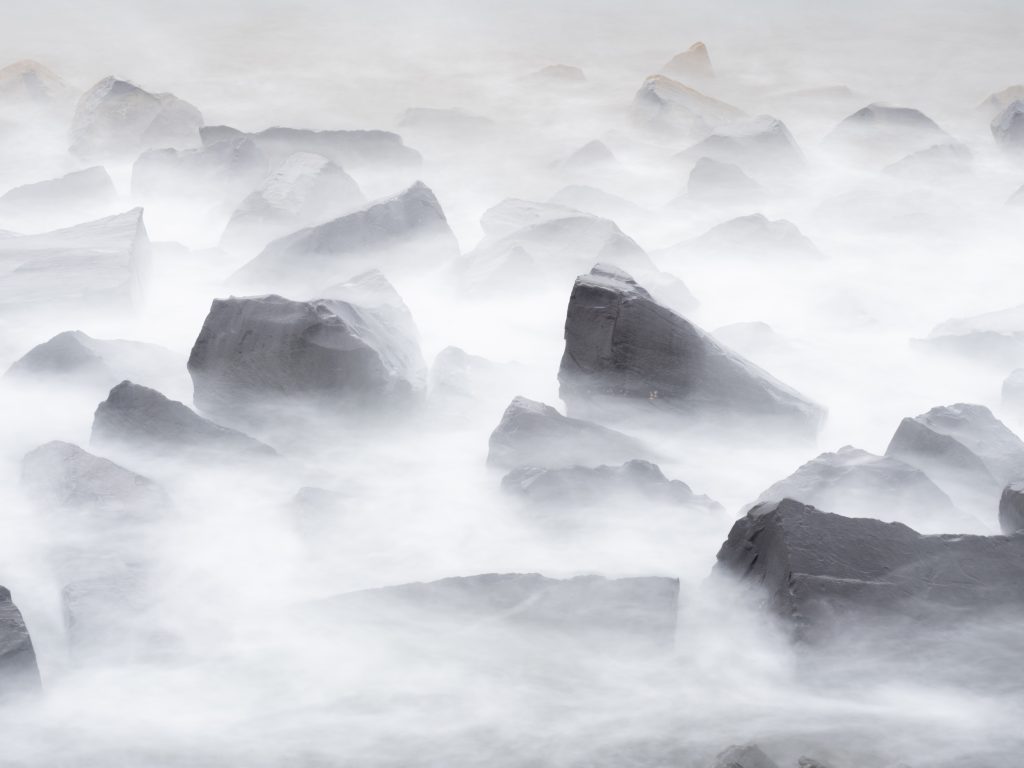
High Res Shot uses sensor-shift technology to produce images with far more resolution than the sensor would normally deliver. The camera fires a rapid sequence of frames, moving the sensor by a tiny, precise amount between each one, then combines the results into a single file.
Shooting handheld, you can get a 50-megapixel result (8,160 × 6,120 pixels). Mount the camera on a tripod, and it rises to a substantial 80 megapixels (10,368 × 7,776 pixels). It isn’t for moving subjects, but for landscapes, architecture, or studio work, the extra detail can be useful.
Available on: OM-1 Mark II, PEN, OM-3, OM-5 Mark II. Menu: Camera 2 > 1. Computational Modes
Live ND Shooting
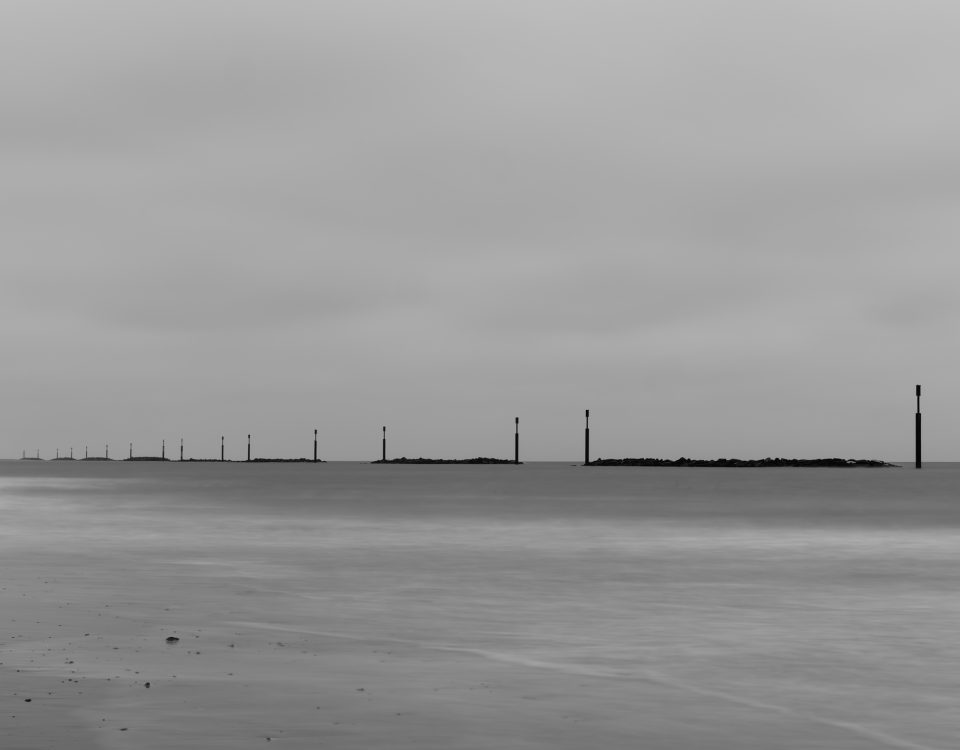
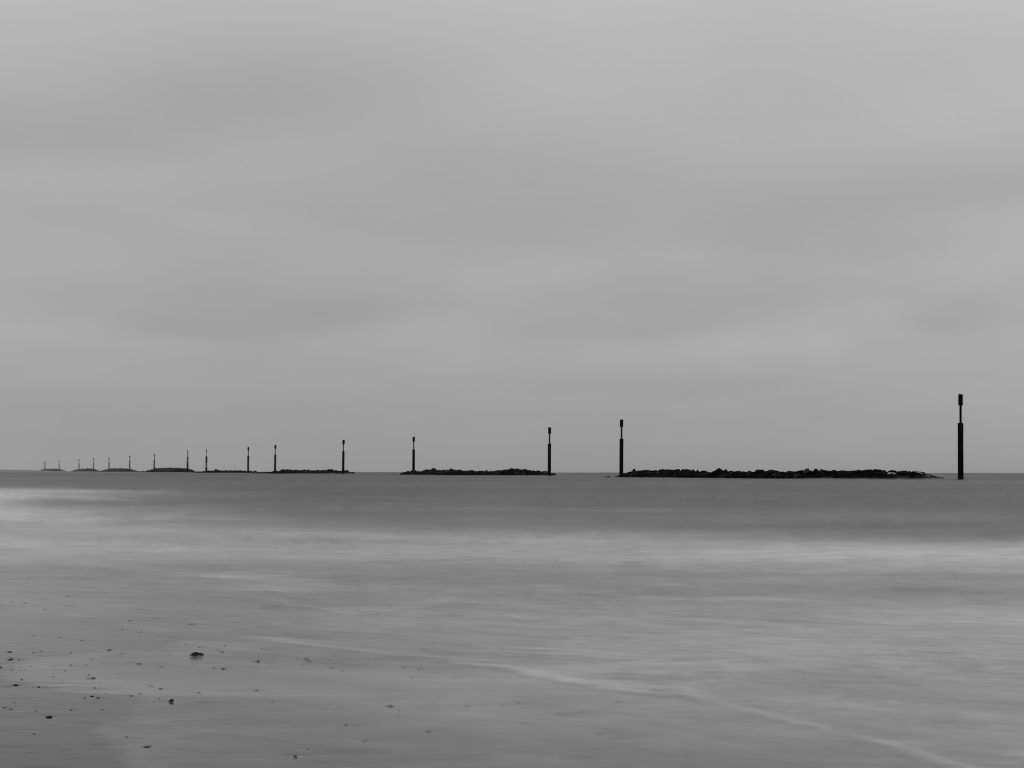
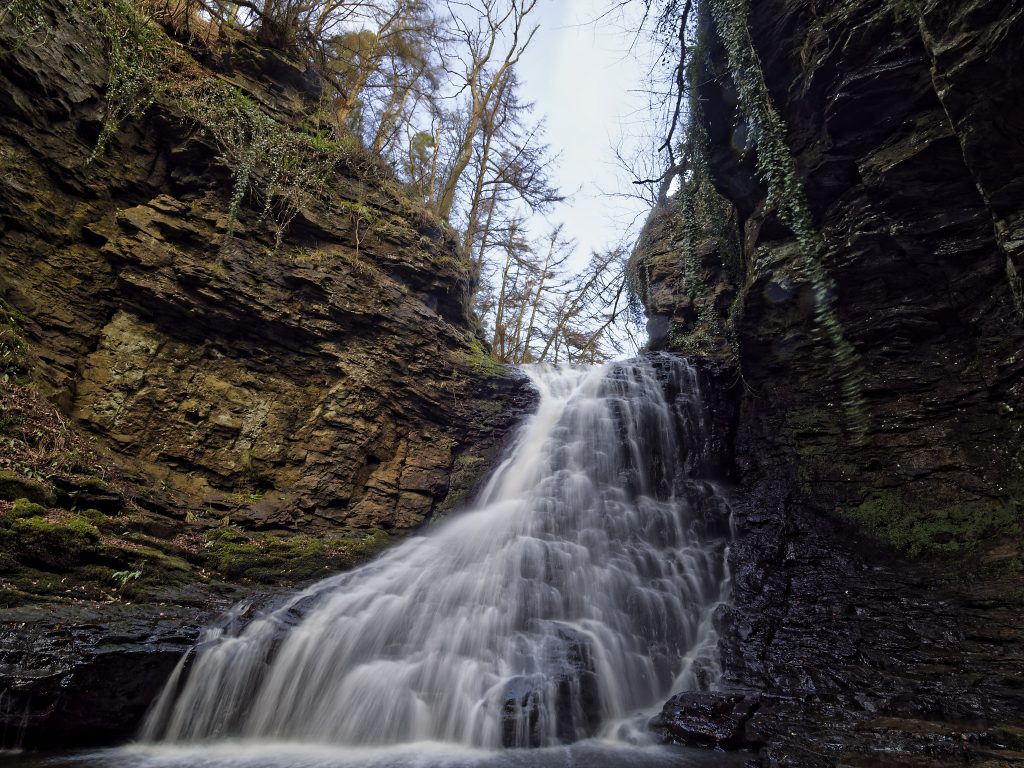
Live ND applies a neutral density filter effect entirely in-camera, with no physical glass required. On the OM-1 Mark II, it goes up to ND128, which is enough to turn a fast-moving waterfall into smooth, silky water in bright daylight. It works only in Shutter Priority and Manual modes.
The obvious use is for waterfall and seascape photography, but it opens up creative possibilities in any situation where you want a longer exposure than the light would normally allow.
You can combine LiveND with ND filters to achieve much longer exposures. While most cameras are limited to 30 seconds in manual and priority modes, OM System cameras offer double that, and even longer with the LiveTime feature, as mentioned below.

Available on: OM-1 Mark II, PEN, OM-3, OM-5 Mark II. Menu: Camera 2 > 1. Computational Modes
Live GND Shooting
Live GND works like Live ND but applies a graduated effect—darker at the top, fading to clear—to balance a bright sky against a darker foreground. You can reposition the transition with the joystick and arrow keys, making it much more flexible than a physical graduated filter in a holder.
Available on: OM-1 Mark II, OM-3. Menu: Camera 2 > 1. Computational Modes (Manual and Shutter Priority only)
Focus Stacking
Focus Stacking captures a sequence of images at incrementally different focus distances and merges them into a single photograph with sharp focus from front to back. The camera handles the whole process automatically.
It is most used in macro photography, where the depth of field is extremely shallow. However, it is equally valuable for product photography, scientific documentation, and landscapes where you want everything in the frame to be crisp from front to back.
Available on: OM-1 Mark II, PEN, OM-3, OM-5 Mark II, TG-7 Menu: Camera 2 > 1 (compatible lenses required)
HDR
The HDR function takes several frames at different exposure values and combines them to preserve detail in both bright highlights and deep shadows. That’s the kind of scene a single exposure struggles to handle. Interior shots with windows or landscapes in harsh midday light are obvious candidates.

Available on: OM-1 Mark II, PEN, OM-3, OM-5 Mark II, OM-D E-M10 Mark IV, PEN E-P7, TG-7. Menu: Camera 2 > 1
Live Time and Live Bulb
Both modes are designed for long exposures, with one key difference from a conventional bulb setting: you can watch the image build on the screen as the exposure progresses, rather than waiting until the shutter closes to see what you have. That makes it far easier to judge when you have enough light and stop at the right moment.
Live Time uses two shutter presses: one to open, one to close. Live Bulb keeps the shutter open for as long as you hold the button down. Both suit night photography, astrophotography, and any creative work involving long exposures.
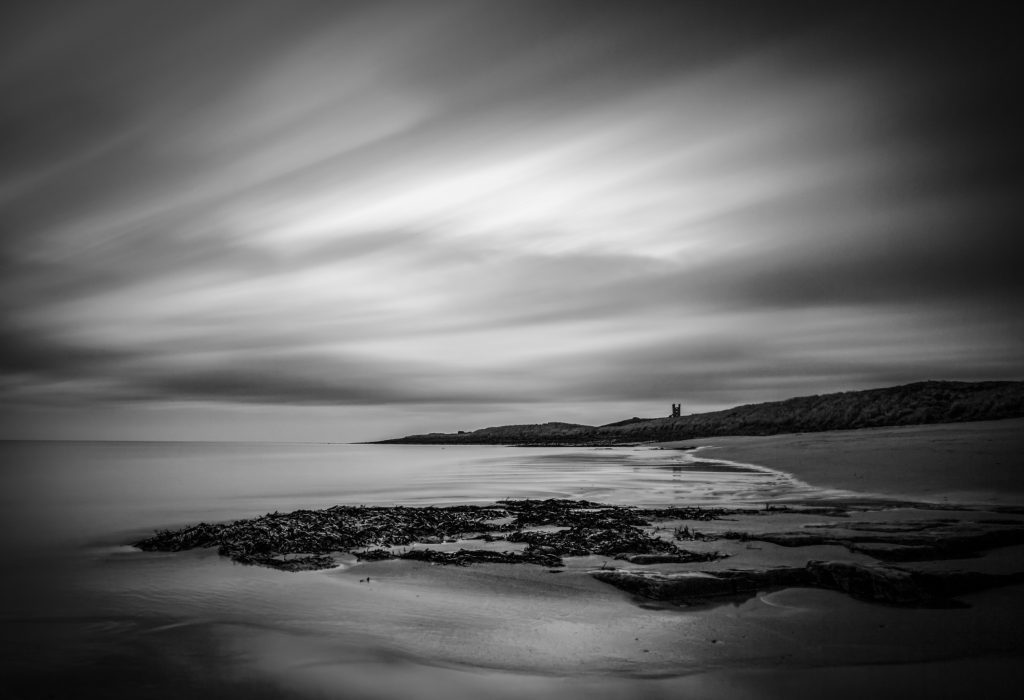
Available on: OM-1 Mark II, PEN, OM-3, OM-5 Mark II, OM-D E-M10 Mark IV, PEN E-P7. Switch to bulb mode, then use the rear dial to select it—Press Menu to set the refresh interval. The front dial adjusts aperture.
Live Composite
Live Composite takes a different approach to long exposures. Rather than accumulating all the light from a single extended exposure, it takes a base reading and then adds only the brighter pixels from each subsequent frame. Light trails build up progressively without blowing out the sky or background.
It is the go-to mode for star trails, fireworks, traffic light trails, and light painting — anything where you want to accumulate motion in the frame without overexposing the rest.
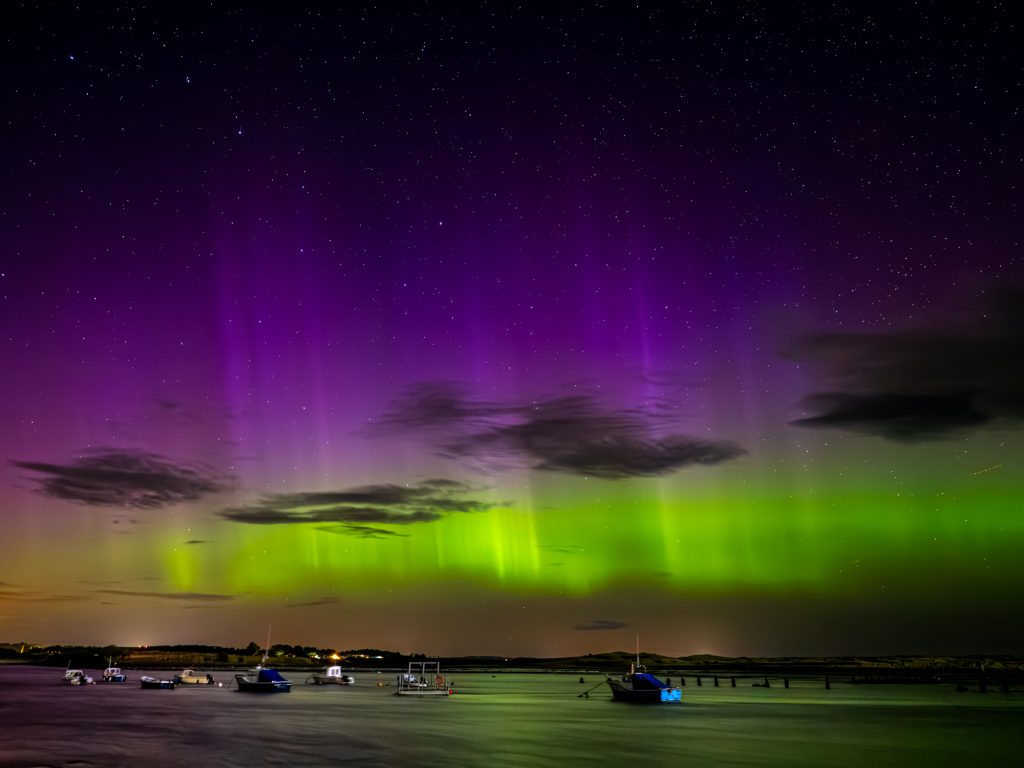
Available on: OM-1 Mark II, PEN, OM-3, OM-5 Mark II, OM-D E-M10 Mark IV, PEN E-P7. Switch to bulb mode and use the rear dial to select. Press Menu to set the shutter speed for each composite frame. Press the shutter once to set up, then again to begin.
AI Subject Detection
The camera uses artificial intelligence to recognise and track specific subject types: people, birds, cats and dogs (and other mammals), motor vehicles, aeroplanes, and trains. For animals, it locks onto the eye. Once it has identified the subject, it tracks it continuously and adjusts autofocus accordingly.
For bird and wildlife photography, this has been a genuine step change. Keeping a sharp eye on a bird in flight used to require considerable skill and practice; now the camera does most of the work.

Available on: OM-1 Mark II, PEN, OM-3 Super Control Panel, 2nd column, third row
Starry Sky AF
Standard autofocus systems struggle in near-total darkness, but Starry Sky AF is designed specifically for astrophotography. It uses dedicated algorithms to detect and focus on point light sources—stars—even in extremely dark conditions where conventional contrast detection would fail.
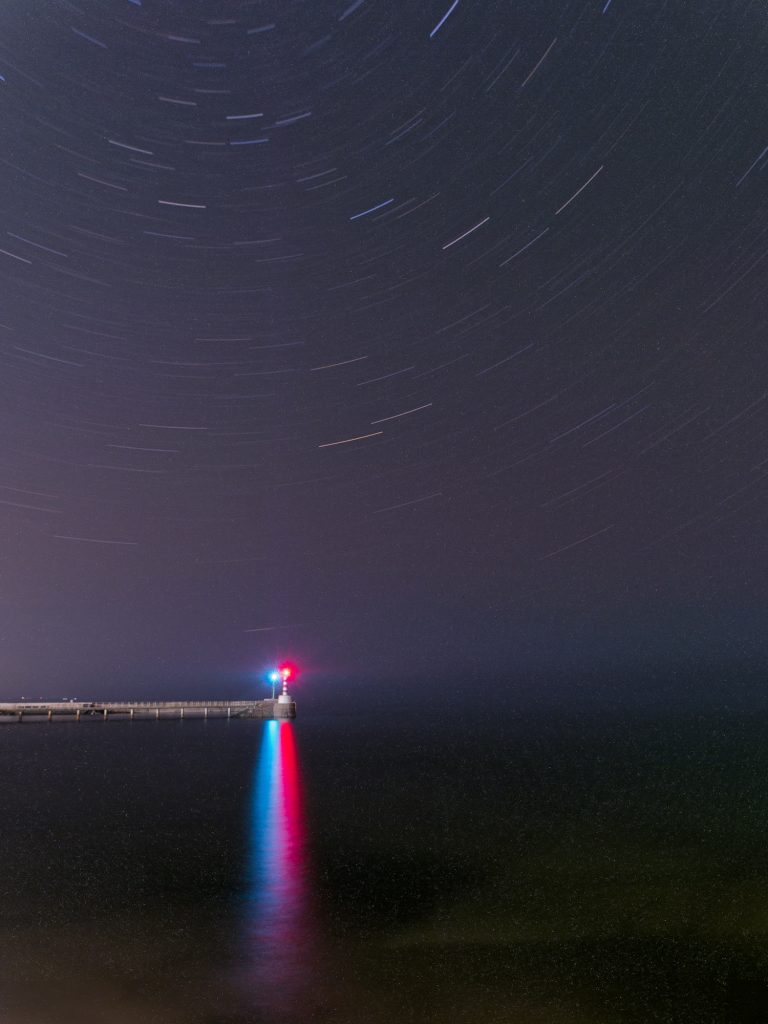
Available on: OM-1 Mark II, PEN, OM-3, OM-5 Mark II Super Control Panel, left column, third row up. Scroll to the star symbol. Settings: Menu > AF > 1 > Starry Sky AF Settings.
Creative and Artistic Features in OM System Cameras
Multiple Exposure
A Multiple Exposure overlays two or more frames in-camera. It is a straightforward way to create double-exposure effects and composite images in-camera.
Available on: OM-1 Mark II, PEN, OM-3, OM-5 Mark II, OM-D E-M10 Mark IV, PEN E-P7, TG-7. Menu: Camera 2 > 1
Art Filters and Art Bracketing
Art Filters apply a range of in-camera effects — from grainy black-and-white to painterly treatments — that process the image using artistic algorithms. Art Bracketing takes the same scene and applies several filters simultaneously, giving you a set of differently treated versions from a single shot.
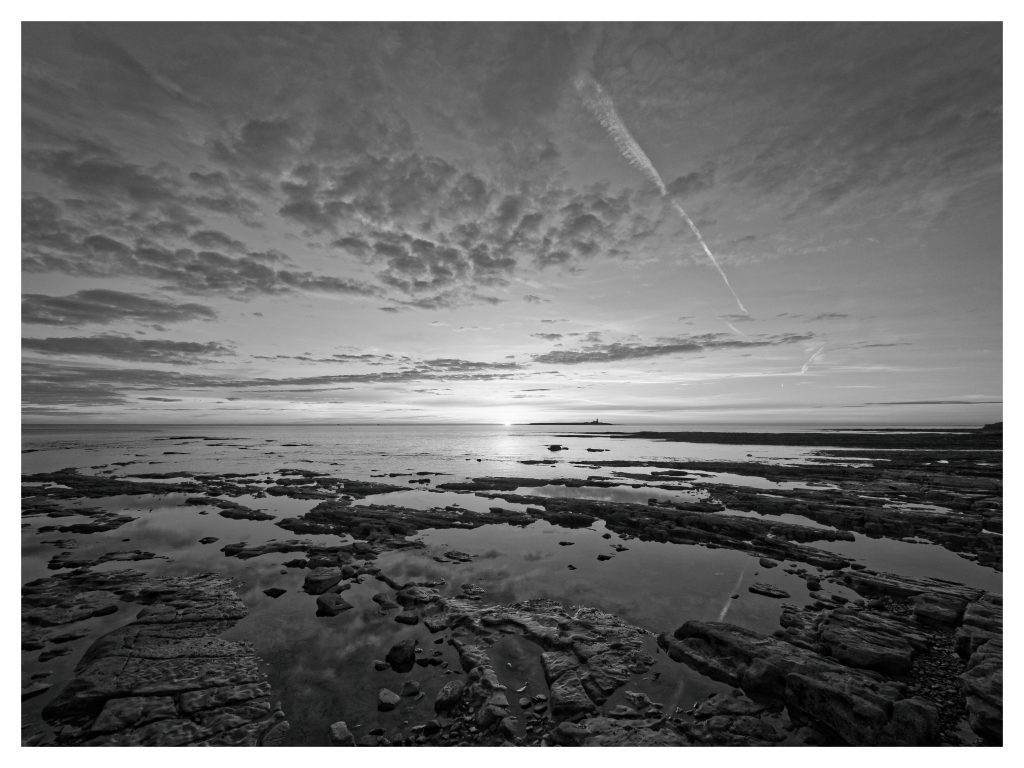
Available on: OM-1 Mark II, PEN, OM-3, OM-5 Mark II, OM-D E-M10 Mark IV, PEN E-P7, TG-7 Super Control Panel, first column, fourth row up.
Keystone Compensation
When you point a camera up at a tall building, vertical lines appear to converge toward the top of the frame. Keystone Compensation corrects this digitally, straightening the geometry without requiring a tilt-shift lens or post-processing adjustments.
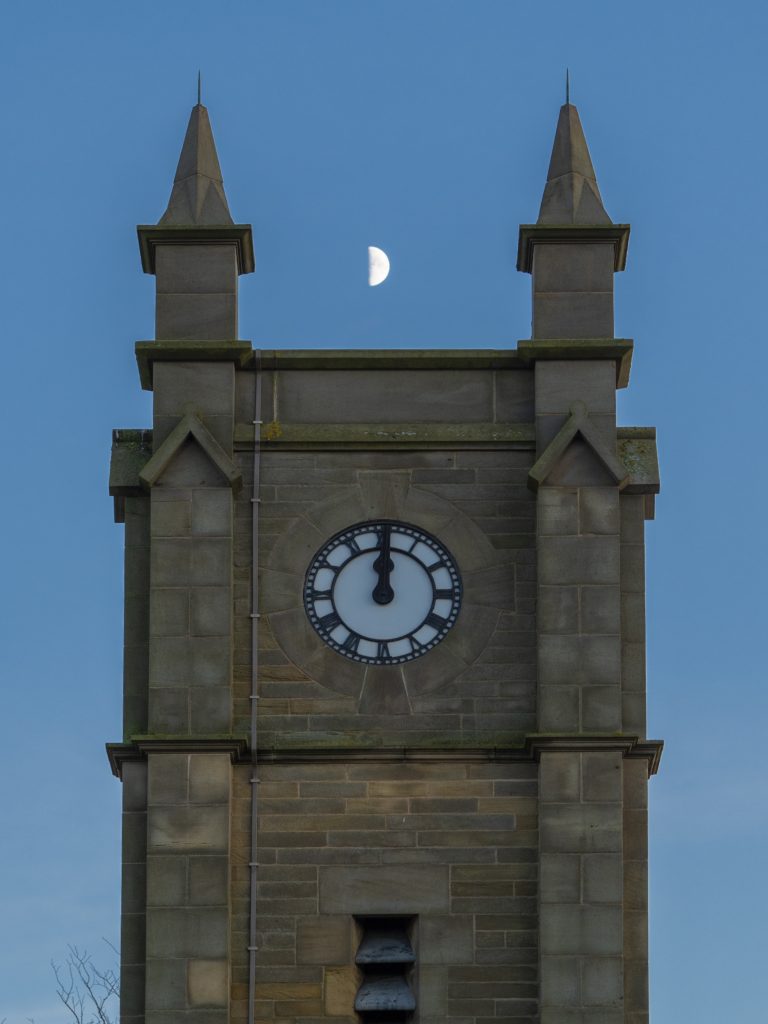
Available on: OM-1 Mark II, PEN, OM-3, OM-5 Mark II, OM-D E-M10 Mark IV, PEN E-P7
Fisheye Compensation
Fisheye lenses produce a characteristic barrel distortion that can be a striking creative effect but is sometimes unwanted. This function applies a digital correction to reduce the distortion while retaining the ultra-wide field of view — giving you something closer to a rectilinear ultra-wide result from a fisheye lens.
Available on: OM-1 Mark II, PEN, OM-3, OM-5 Mark II, OM-D E-M10 Mark IV, PEN E-P7
Digital Teleconverter
This goes beyond a simple crop. Using intelligent upscaling algorithms, the digital teleconverter doubles any lens’s effective focal length while sharpening the image to maintain quality. It is not a substitute for a longer lens, but it is a useful option when you need a little more reach and cannot change glass.

Available on: OM-1 Mark II, PEN, OM-3, OM-5 Mark II, OM-D E-M10 Mark IV, PEN E-P7, TG-7
Build and Stabilisation
OM System cameras are built to last. I’ve dropped one in a river, fished it out, dried it off and carried on shooting. A friend of mine bounced theirs down the stone steps of a castle, and it carried on working. Those things aren’t recommended, but they do illustrate the build quality.
Weather Sealing
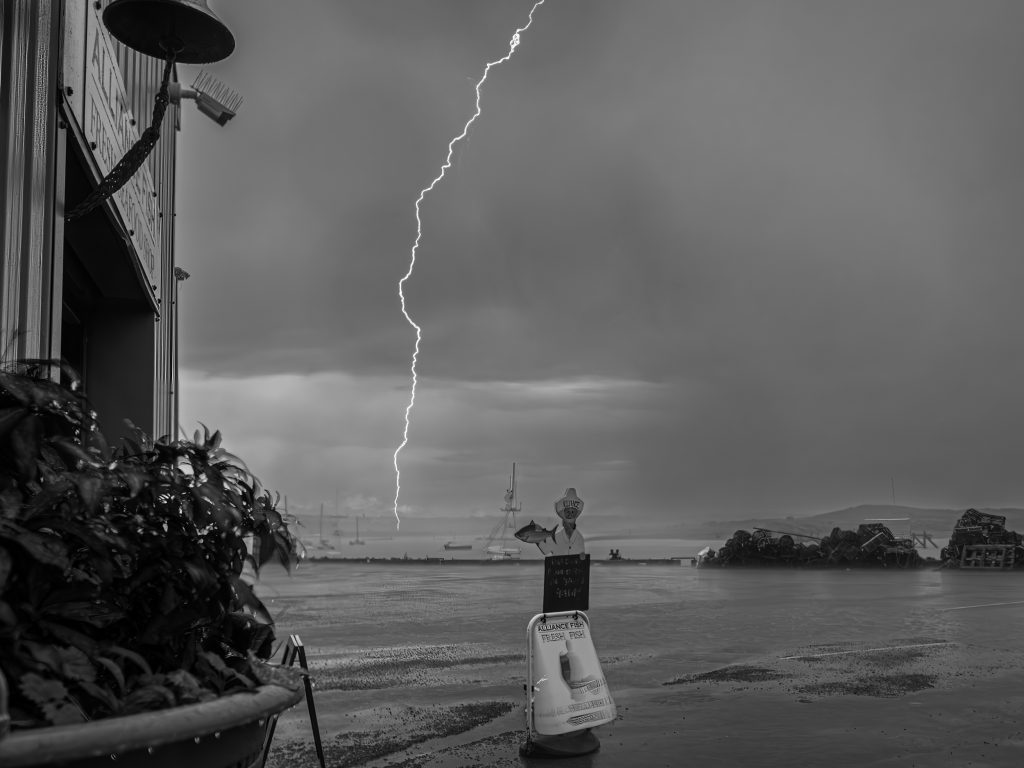
The OM-1 Mark II, OM-5 Mark II, and OM-3 all carry an IP53 weather-sealing rating, which means they can handle rain, dust, and grit without issue. The seal works only when the fitted lens has the same rating—an unsealed lens leaves the mount vulnerable. (N.B. The PEN has an IPX1 rating, which means it is protected from vertically falling water droplets like light rain or drizzle.)

Up to 8.5 Stops of Image Stabilisation
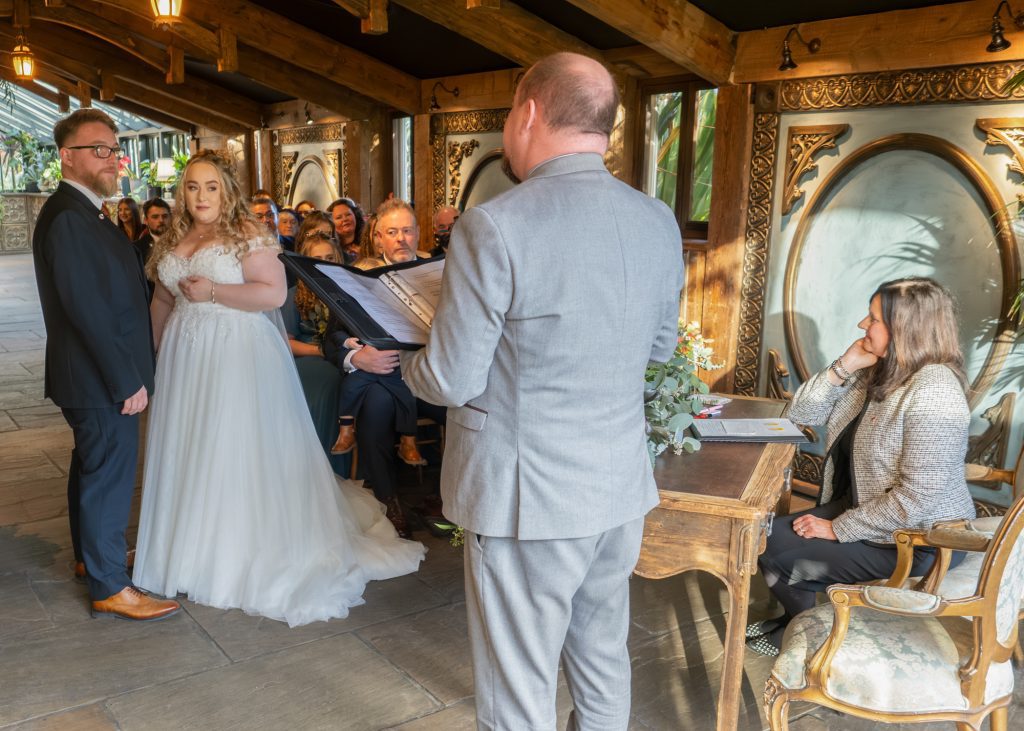
The 5-axis, in-body image stabilisation (IBIS) on OM System cameras moves the sensor to counteract camera shake, and the results are among the best available from any manufacturer. In most situations, leaving it on Auto makes perfect sense.
IBIS varies by model, with the OM-1 Mark II offering up to 8.5 stops. The OM-5 Mark II has 7.5 stops, and the PEN still has a respectable 5 stops.
When tracking a subject moving horizontally, switch to S-IS 2, which corrects only vertical shake and lets the camera pan smoothly. S-IS 3 does the opposite, correcting horizontal movement, which suits subjects moving vertically. The setting is in the Super Control Panel, right-hand column, second row up.
IBIS is available on all OM System cameras. OM-1 Mark II Super Control Panel: fourth column, second row up
Pro Capture
Now being copied by top models of some other brands, Pro Capture solves a problem that every action photographer knows: by the time you press the shutter, the moment has already gone. The camera buffers frames continuously, so when you press the button, it saves a set of images from just before and after you press it. This effectively removes your reaction time from the equation.
With continuous autofocus on the OM-1 Mark II, the camera can capture 50 raw frames per second. With single autofocus, it rises to 120 raw frames per second.
That performance transforms bird photography, wildlife, and any sport where the decisive moment is genuinely unpredictable.

Available on: OM-1 Mark II, PEN, OM-3, OM-5 Mark II, TG-7 Super Control Panel, first column, second row up. Select Pro Cap. The fastest speeds require compatible lenses.
Shutter Modes: SH1, SH2, Mechanical and Silent.
The OM-1 Mark II offers a range of drive and shutter modes worth understanding, along with when each is appropriate.
Mechanical Shutter.
The mechanical shutter is the traditional option. A physical curtain opens and closes in front of the sensor. It is reliable, produces no rolling shutter distortion, and handles artificial lighting without banding. The trade-off is sound. It makes an audible click, and at very high frame rates, the physical mechanism becomes the limiting factor. On the OM-1 Mark II, the mechanical shutter tops out at 1/8000th of a second and has a life of around 400,000 actuations.

Silent Shutter.
The silent (electronic) shutter eliminates the physical curtain and reads the sensor electronically. It makes no sound, which is ideal for wildlife hides, concerts, ceremonies, or anywhere a shutter click would be intrusive or unwelcome.
With compatible lenses, it also allows shutter speeds up to a staggering 1/32,000th of a second, which is useful in very bright conditions when you want to shoot wide open without overexposing.
The caveat to the silent shutter is rolling shutter. Because the sensor reads line by line rather than all at once, fast lateral movement can slightly skew the image. It is rarely a problem in practice, but it is worth keeping in mind for subjects moving quickly across the frame or fast-spinning objects like propellers.

SH1 and SH2.
SH1 and SH2 are the two high-speed sequential shooting modes, and they work differently in ways that matter depending on what you are photographing.
SH1 uses the electronic shutter and is faster than SH2. The OM-1 Mark II can reach up to 120 raw frames per second with single autofocus (SH1), or 50 frames per second with continuous autofocus and metering (SH2).
Those are extraordinarily fast, quick enough to capture the precise moment a bird’s wings reach the top of their arc, or a sprinter’s foot leaves the ground. Use SH1 when you need the absolute maximum frame rate and your subject isn’t moving so fast across the frame that rolling shutter becomes an issue.
SH1 and SH2 work with Pro Capture, meaning the camera starts buffering frames before you fully press the shutter. In practice, you half-press to begin buffering, then fully press when the action peaks. The camera saves a set of frames before and after the full press, so it captures the decisive moment regardless of your reaction time. You can adjust the number of pre-capture frames in the menu to suit the situation.
SH1 and SH2 are selected via the Super Control Panel, left column, second row up. Pro Capture is available within both modes. Maximum frame rates in SH1 require compatible lenses.
Are you thinking of buying an OM System camera?
If you are in the UK or Europe, feel free to get in touch, as I may often have up-to-date information about promotional offers.